Blog · How-to
How to Fix AI Caption Errors in Product Names and Names
Most AI caption mistakes are proper nouns. Write down the product names and people's names that appear in your video first, then check only those words in the captions. It is much faster than reading everything from the top, and you miss less.
Why captions keep getting names wrong
Auto captions listen to the audio and write down the most common word that fits. So a new product name or a foreign name easily turns into an ordinary word that sounds similar. That is why everyday speech comes out fine and only the names are off.
What to check before you post, in order
- 1
Make a list
Note the product names, people's names, place names and units of measure that appear in the video.
- 2
Find the exact spelling
Copy the spelling exactly as it appears on the official site or the product packaging.
- 3
Look at only those words
Play just the parts where the listed words come up and correct the captions there.
- 4
Watch once on mute
Watching to the end with the sound off makes awkward text easy to spot.
Other things worth a look
- Numbers and units: make sure 'thirty' and '30', or grams and kilograms, are not mixed up.
- Spelling style: pick one way to write a brand or foreign name and stick with it.
- Line breaks: keep a name from being split across two lines.
- Title and captions: check that the spelling in your title matches the captions.
How it works in Switch Clip
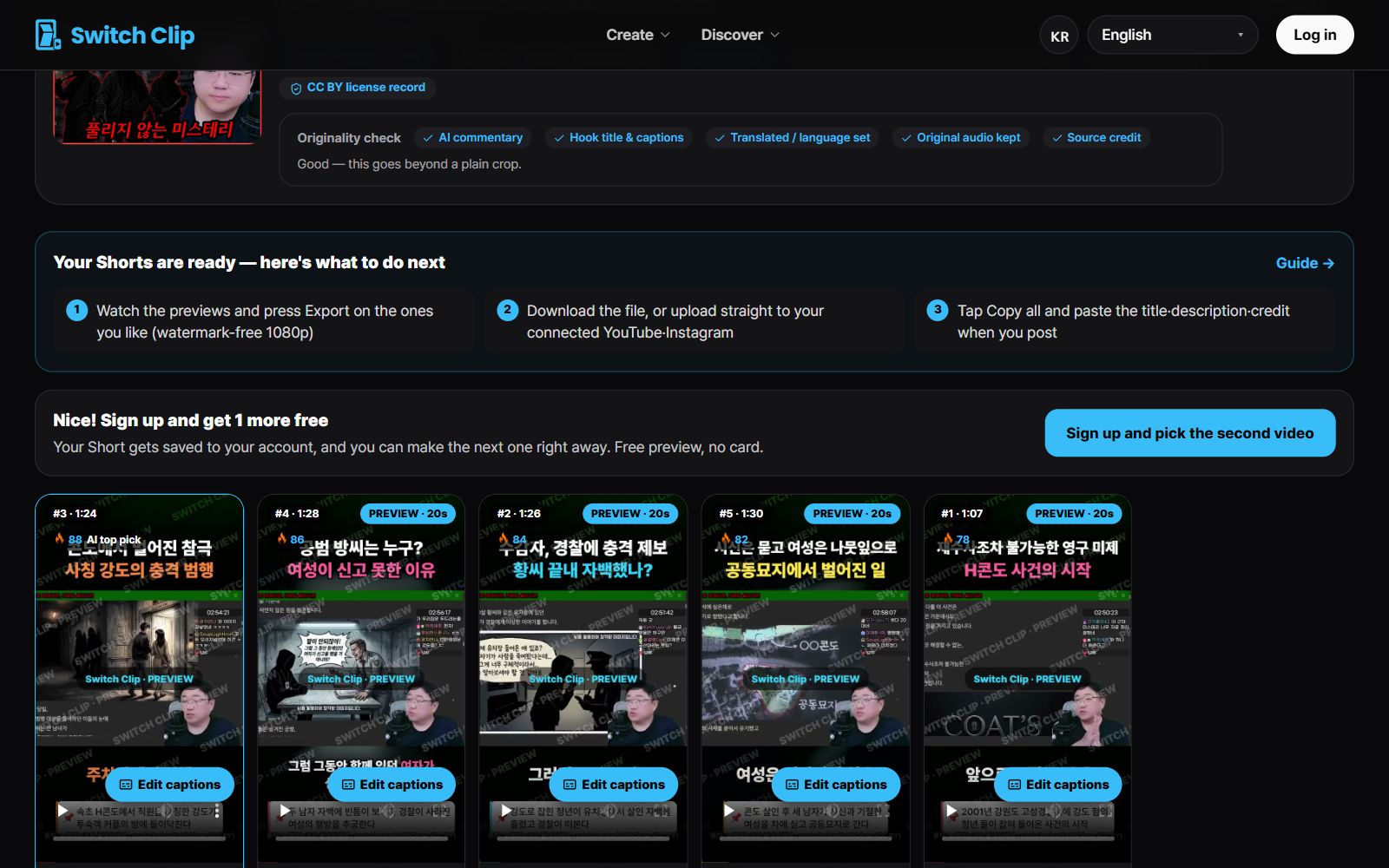
Switch Clip adds captions automatically when it makes your Shorts, and you can edit them yourself before exporting. Previews are free, so keep your list of names next to you, fix only the wrong words, and export.
Pick a video, get up to 6 Shorts
Switch Clip gathers videos you are allowed to reuse and public-domain classics. Pick one and you get Shorts with captions, a title, commentary and the credit line. Your first one is free, no sign-up.
Make a Short for freeFrequently asked questions
Do I have to recheck every AI caption?
If reading every line is too much, check at least the proper nouns and the numbers. Those are the two mistakes viewers notice most.
Should I write a product name in my language or in its original spelling?
Go with the spelling your viewers type when they search. Once you decide, use the same spelling in the title, captions and description.
What if the captions are wrong in a video I already posted?
Captions burned into the video only change when you export it again. If it is urgent, put the correct name in a pinned comment or the description first.