Blog · Comparisons
EasyCut Alternative: Switch Clip Gives You Source Videos Too
EasyCut and Switch Clip are both tools that make Shorts from video. The differences lie in how you get source material and what the billing counts. Everything below is per their official pages, checked 2026-11-20.
Side by side
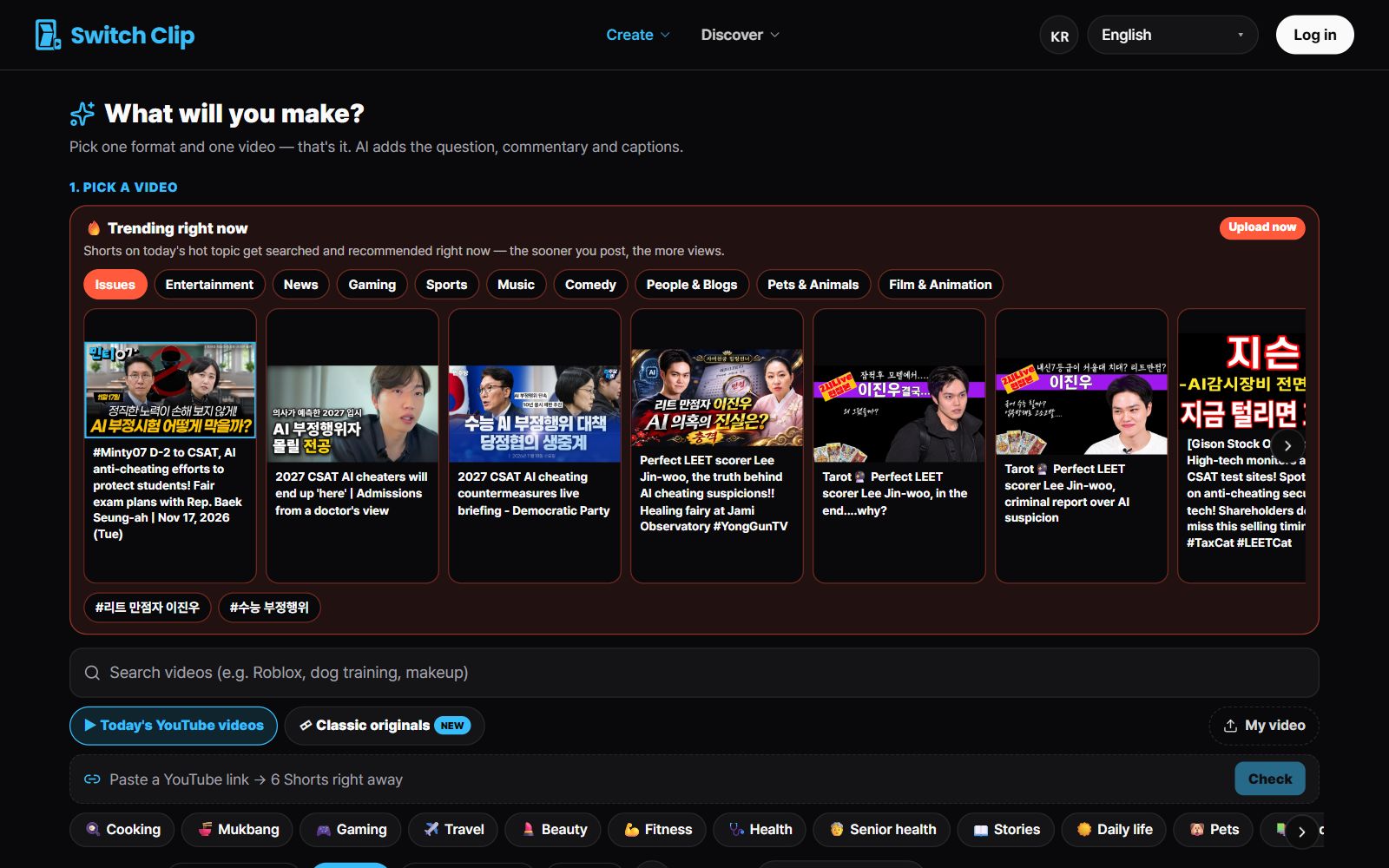
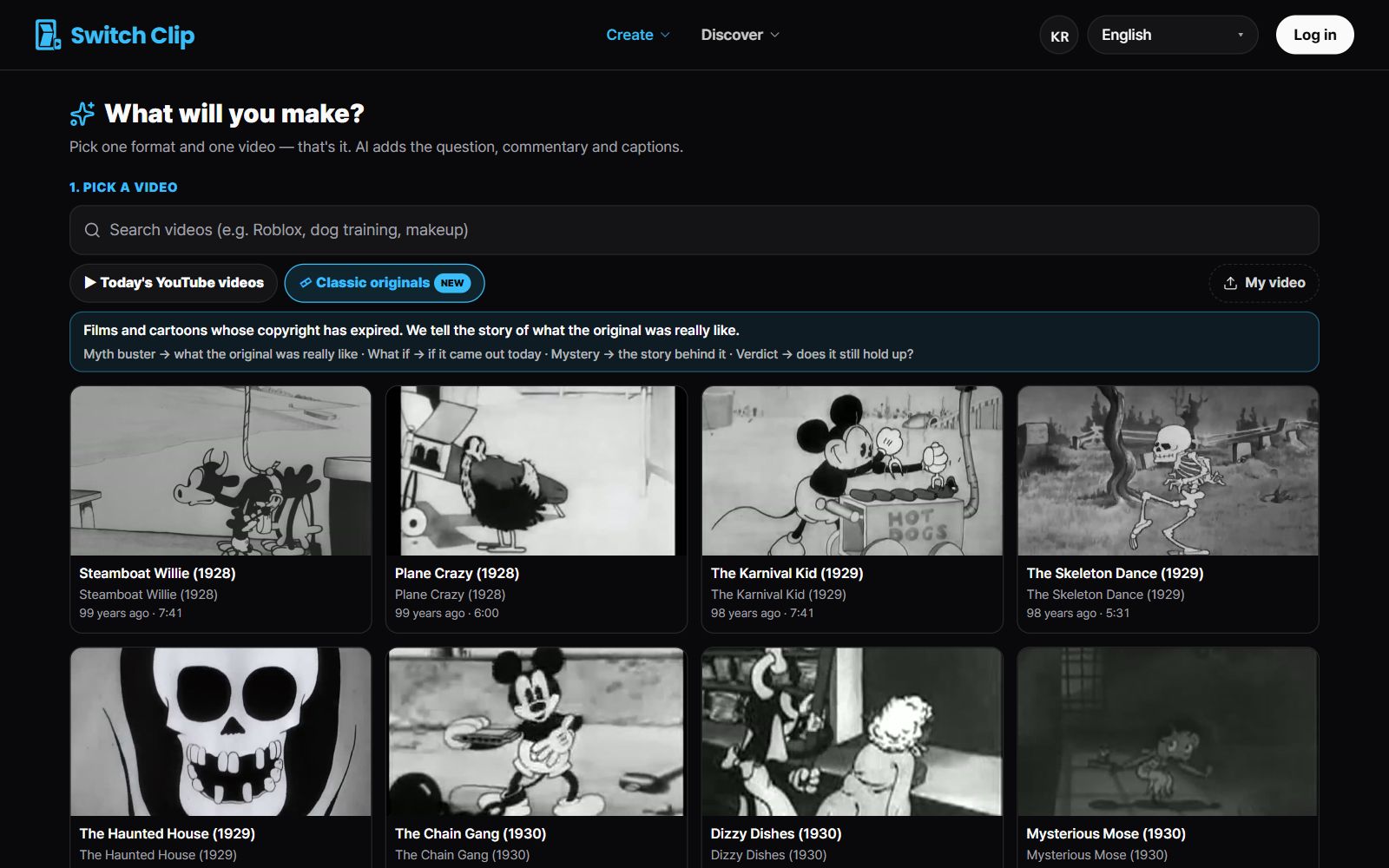
- Source material: EasyCut has a menu for finding popular videos; Switch Clip keeps a library of reuse-allowed videos and public-domain classics.
- Your own video: EasyCut accepts YouTube links and file uploads; Switch Clip takes a file upload (a YouTube link works for reuse-allowed videos).
- Shorts per run: EasyCut gives 3 to 15 depending on video length; Switch Clip gives up to 6.
- Billing basis: EasyCut counts minutes of source video; Switch Clip counts the Shorts you take.
- Direct posting to YouTube: both have it.
When Switch Clip is the right fit
If you haven't been able to start because you have no video to use, Switch Clip fits. You can pick right away from public-domain classics whose copyright has expired and from reuse-allowed videos. The source credit goes into the video and the description automatically.
What to try before you choose
- 1
Write down your situation
Note whether you have video to use and how many Shorts you'll post a month.
- 2
Try both with the same video
With Switch Clip you can get 1 Short without signing up.
- 3
Check the table
The comparison table shows the item-by-item differences in one place.
Pick a video, get up to 6 Shorts
Switch Clip gathers videos you are allowed to reuse and public-domain classics. Pick one and you get Shorts with captions, a title, commentary and the credit line. Your first one is free, no sign-up.
See the Shorts tool comparison tableFrequently asked questions
Which is better, EasyCut or Switch Clip?
It depends on how you work. If you pull lots of Shorts from long source videos, billing by minutes is convenient; if you need source material and want only the Shorts you'll post, billing by count is.
Does EasyCut also credit sources automatically?
We didn't find it stated on the official page (per their official pages, checked 2026-11-20). Please check EasyCut's official page for the exact details.
Can I use both tools together?
Yes. The surest way is to make Shorts from the same video with both and choose the one that suits your channel.