Blog · Getting started
Faceless YouTube Shorts: How to Start With Hands and Screens
You can start Shorts without ever showing your face. Hands doing something, a screen recording, or a video with narration on top all get the point across. The easiest start is filming just your hands on a desk.
Shorts formats that don't need a face
- Hands-only: cooking, organizing, drawing, assembling, anything where the hands do the work
- Screen recording: how to use an app, change a setting, or put a document together
- Object-focused: opening a product, trying it, comparing it
- Narrated: an explanation laid over another video or source material
Filming your first hands-only video
- 1
Fix the camera pointing straight down
A stack of books with your phone on top works. Line it up so your hands sit in the middle of the frame.
- 2
Clear the background
Leave only what you're using on the desk. The viewer's eye goes straight to your hands.
- 3
Slow your movements down
Move a little slower than usual so the action is easy to follow on screen.
If recording your voice feels like too much
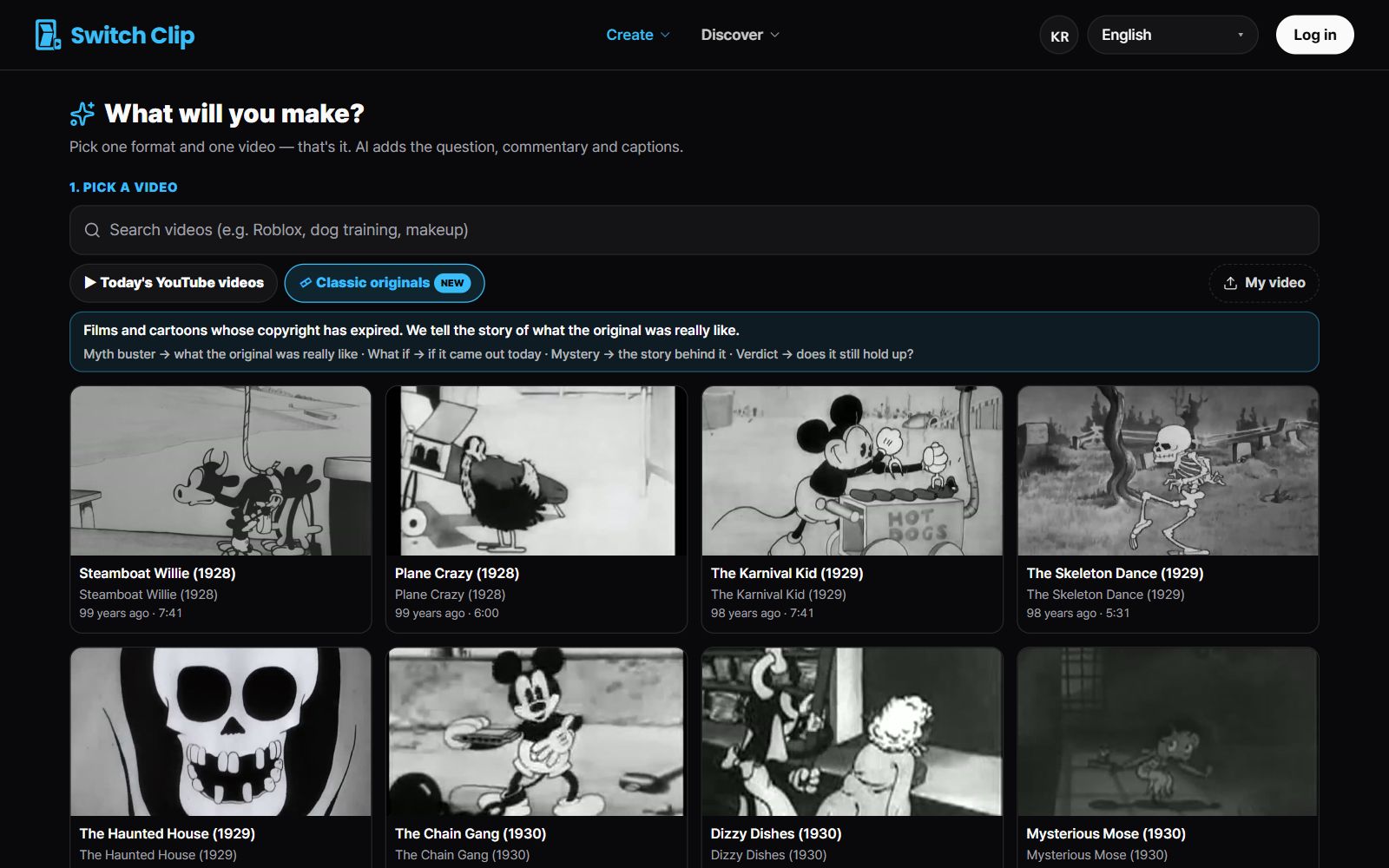
Captions and AI narration are enough to make a Short. In Switch Clip you pick a reuse-allowed video or a public-domain classic and it builds Shorts in formats like narration or 3 key points. Captions and source credit are added automatically, so you need neither your face nor your voice.
Pick a video, get up to 6 Shorts
Switch Clip gathers videos you are allowed to reuse and public-domain classics. Pick one and you get Shorts with captions, a title, commentary and the credit line. Your first one is free, no sign-up.
Make Shorts without filmingFrequently asked questions
Do people actually watch faceless channels?
Yes. For cooking, how-to, and narrated videos, many viewers come for the content, not the face. Just be clear about what you're teaching.
Can a hands-only video still reveal personal information?
It can catch a shipping label, a monitor, or the view from your window. Check the corners of the frame before you post.
Can I show my face later?
Any time. Start the way that's comfortable and change when you feel the need. It's never too late.