Blog · Production notes
Multiple Shorts from One Video File: Upload to Save, Step by Step
One video file is enough to make several Shorts. Upload it, pick a format, choose from the previews, and save. You get up to 6 at a time, so export only the ones you'll use.
The whole process
- 1
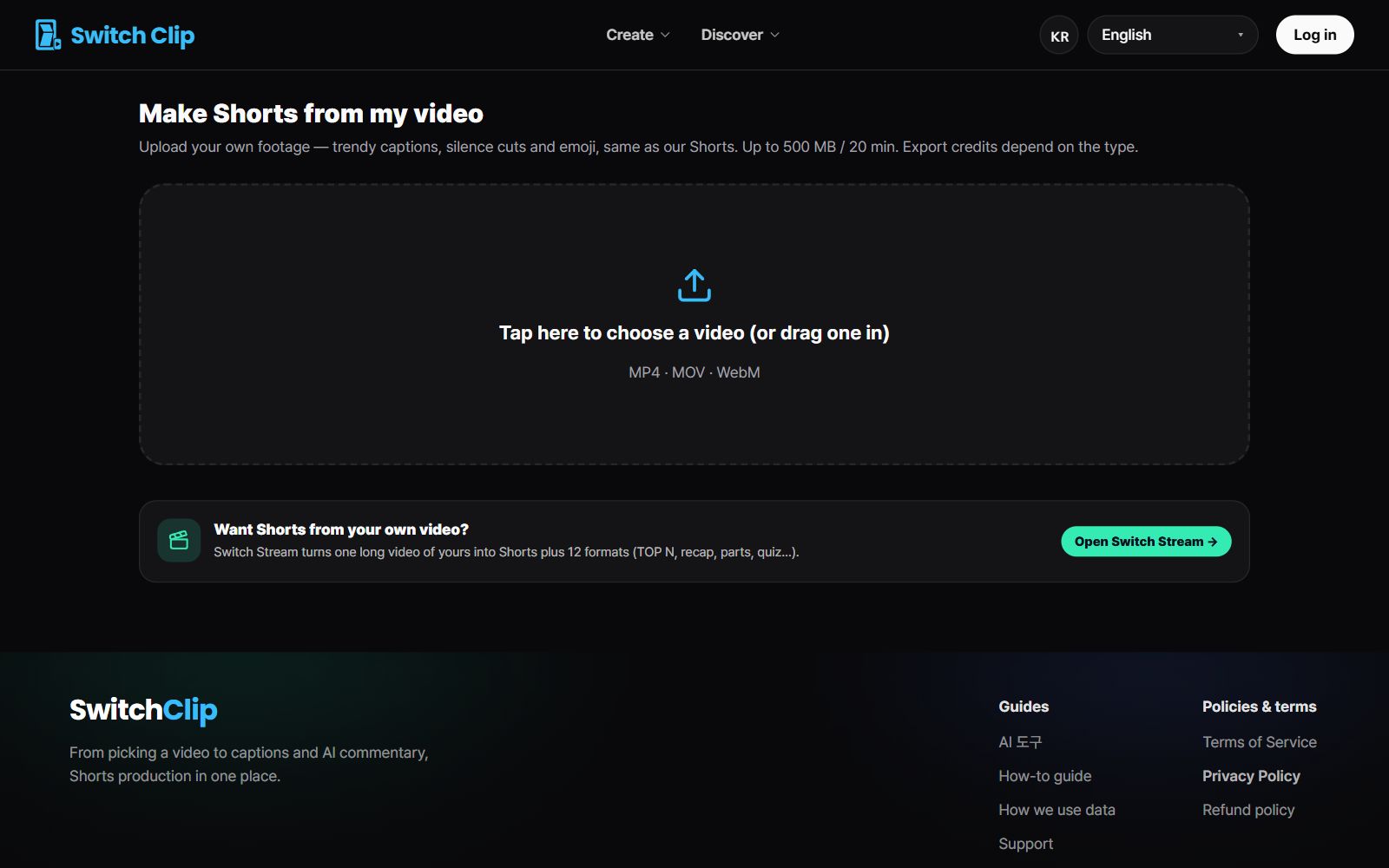
Upload the file
Select your video file on the upload screen.
- 2
Pick a format
Choose from narration, 3 key points, highlights, or compilation.
- 3
Preview
Play the Shorts one by one. Everything up to here is free.
- 4
Fix the captions
Correct names and numbers in the captions of the Shorts you'll use.
- 5
Export
Save as a file or post straight to YouTube.
What to check at each step
- Uploading: is it an original with clear audio?
- Preview: does the opening frame catch the eye?
- Captions: are all the names right?
- Export: did you select only the Shorts you'll really post?
After you save
If you saved several, try posting one a day. Jot down which Shorts got a good response and it will help when you choose your next video. Then use the format that did well one more time.
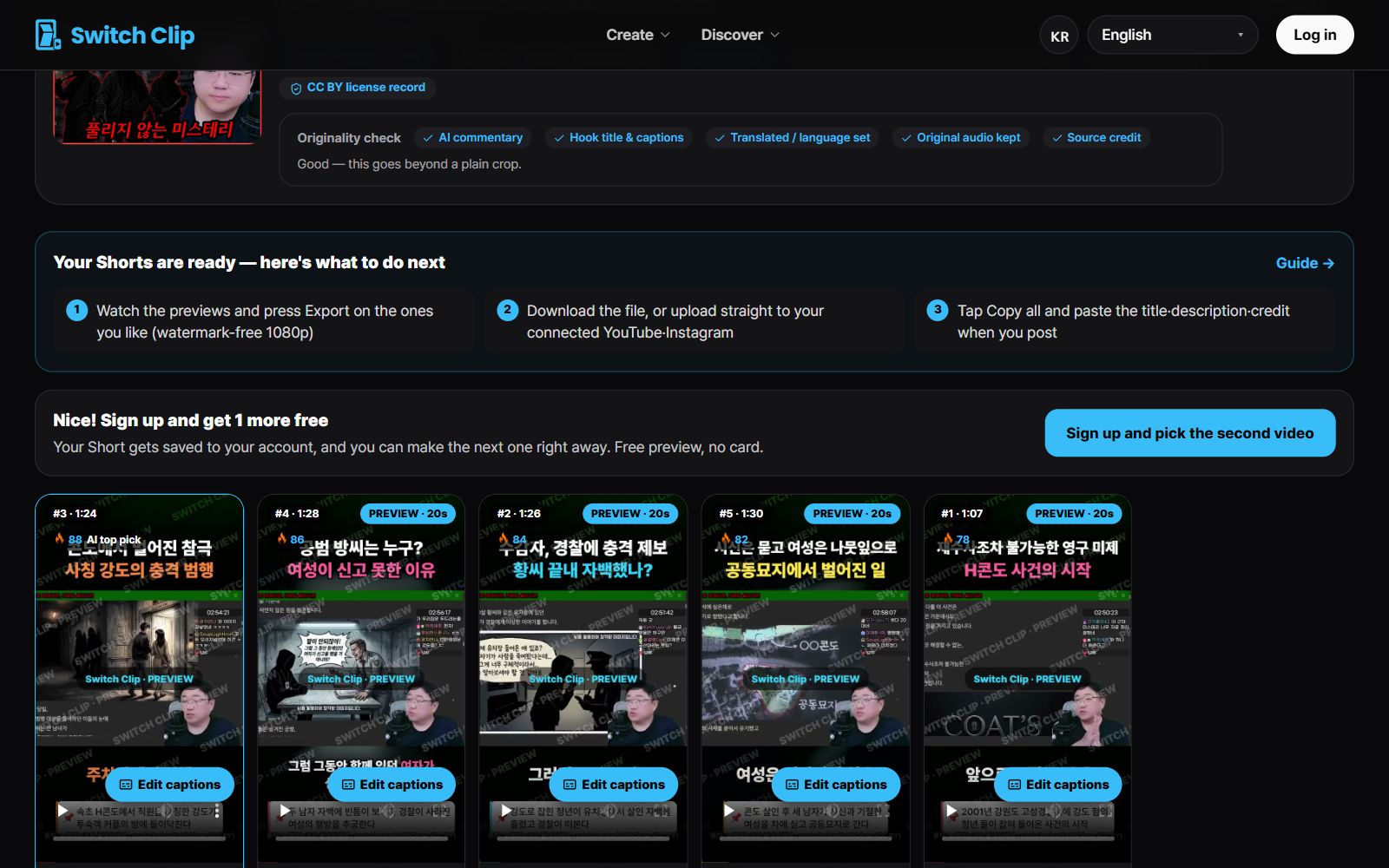
Pick a video, get up to 6 Shorts
Switch Clip gathers videos you are allowed to reuse and public-domain classics. Pick one and you get Shorts with captions, a title, commentary and the credit line. Your first one is free, no sign-up.
Upload a video fileFrequently asked questions
I only want 3 Shorts. Do I have to take all 6?
No. Export just the ones you want out of up to 6. Billing is based on the number you export.
I'm new. Do I have to sign up first?
Previews are free, and your first export works without an account.
What if I don't have a video file?
Pick from the library of reuse-allowed videos or public-domain classics and follow the same steps.