Blog · How-to
Shorts Titles: Can You Use the AI-Written Hook As Is?
An AI-written hook title can be used as is, provided it passes a few checks. Switch Clip adds a hook title to every Short. One video gives you up to 6, so just pick the Short with the best title.
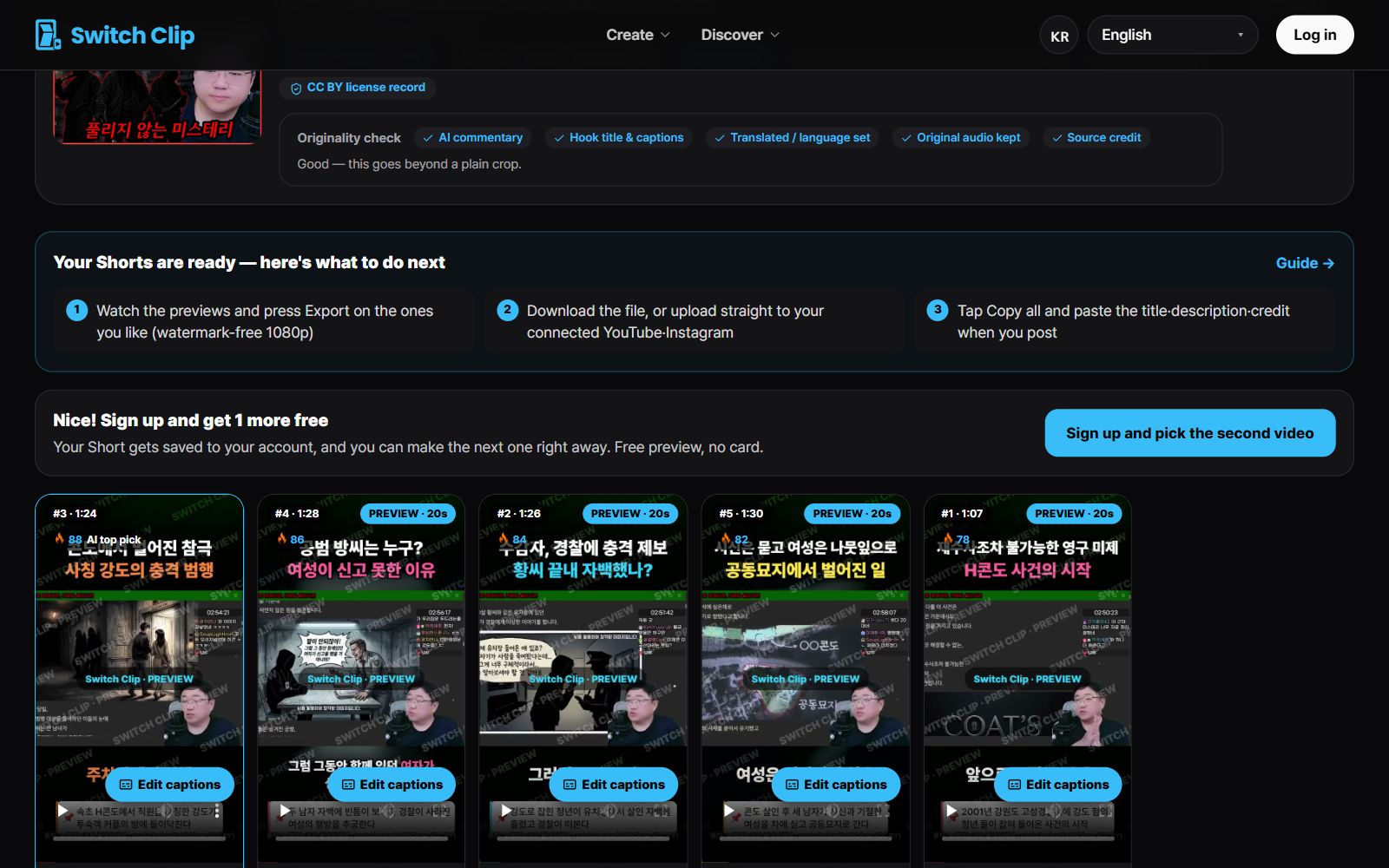
What makes a good hook title
- It actually matches the video's content.
- It's short enough to read at a glance.
- It makes you curious about what comes next.
- It promises only what the video actually delivers.
Choosing a Short by its title
- 1
Read the titles first
In the preview, look at just the titles before playing anything.
- 2
Pick what makes you curious
Mark the Shorts you'd want to tap on from the title alone.
- 3
Check it against the video
Watch to the end and see that the video keeps the promise the title makes.
When you post to YouTube
The hook title inside the video and the YouTube upload title do different jobs. The hook title catches the eye on the opening frame, while the upload title benefits from words people search for. They just need to be saying the same thing.
Pick a video, get up to 6 Shorts
Switch Clip gathers videos you are allowed to reuse and public-domain classics. Pick one and you get Shorts with captions, a title, commentary and the credit line. Your first one is free, no sign-up.
Make a Short for freeFrequently asked questions
What is a hook title?
It's the one line shown on a Short's opening frame. Its job is to make viewers stop instead of swiping past.
What if I don't like the title?
Try another Short made from the same video. Remaking it in a different format changes the titles, too.
Are sensational titles better?
Sparking curiosity is good, but the title has to match the video. A title that fits the content is what keeps people watching to the end.