Blog · Use cases
How to Repurpose a Travel Vlog into Reels and Shorts
A travel vlog gives you one Short per location. Add the video and up to 6 vertical Shorts are made. You can post the saved files not only to YouTube Shorts but to Reels yourself, too.
One place, one video
A travel video breaks naturally every time the location changes. Split it along those lines and each piece is a complete video, however short. Post scenery, food, and travel scenes separately and they won't overlap.
Step by step
- 1
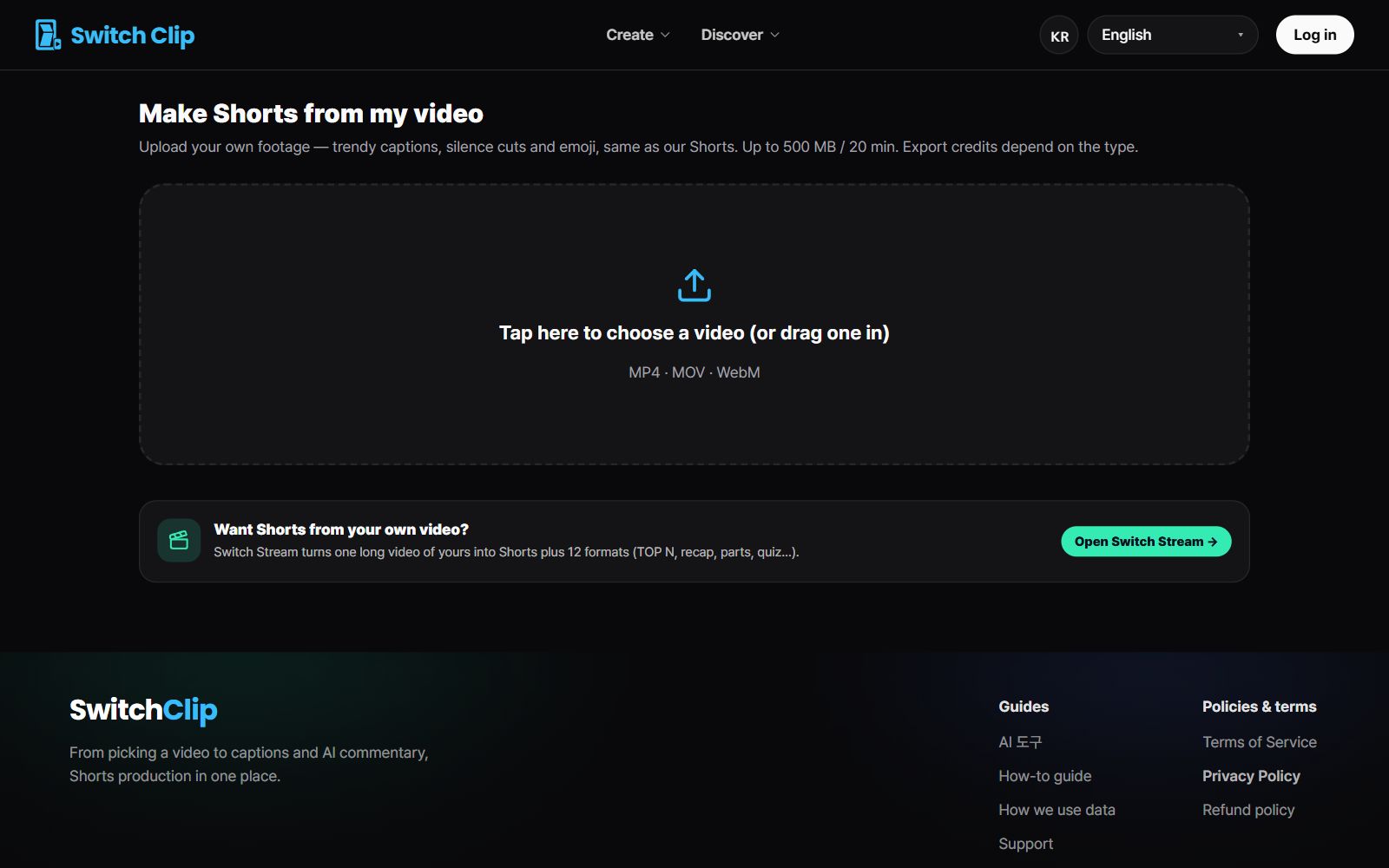
Add your vlog
Upload the video file.
- 2
Pick a format
Choose highlights for scenery and scenes, or compilation to bundle several places.
- 3
Choose from the previews
Pick the Shorts where the scenery looks good in a vertical frame.
- 4
Save and post
Post to YouTube directly, and upload the saved file to Reels yourself.
Travel Shorts tips
- Wide landscapes are easier to watch in Shorts that use the full frame.
- Always check place names and shop names in the captions.
- Pick a Short that opens on the prettiest shot.
- Spread one trip over several days of posts to make it last.
Pick a video, get up to 6 Shorts
Switch Clip gathers videos you are allowed to reuse and public-domain classics. Pick one and you get Shorts with captions, a title, commentary and the credit line. Your first one is free, no sign-up.
Try it with a travel videoFrequently asked questions
Does it post straight to Reels too?
Direct posting works by connecting YouTube. For Reels, upload the saved vertical video yourself.
My travel video has music in it. Is that okay?
Check the usage terms of the music in the original first. If you're unsure about the terms, the safe choice is a Short made from scenes without music.
Do travel videos I posted a long time ago work?
Yes. Even an old video can be added as long as you still have the video file.