Blog · Use cases
How to Edit Interview Shorts Without Hunting for That Quote
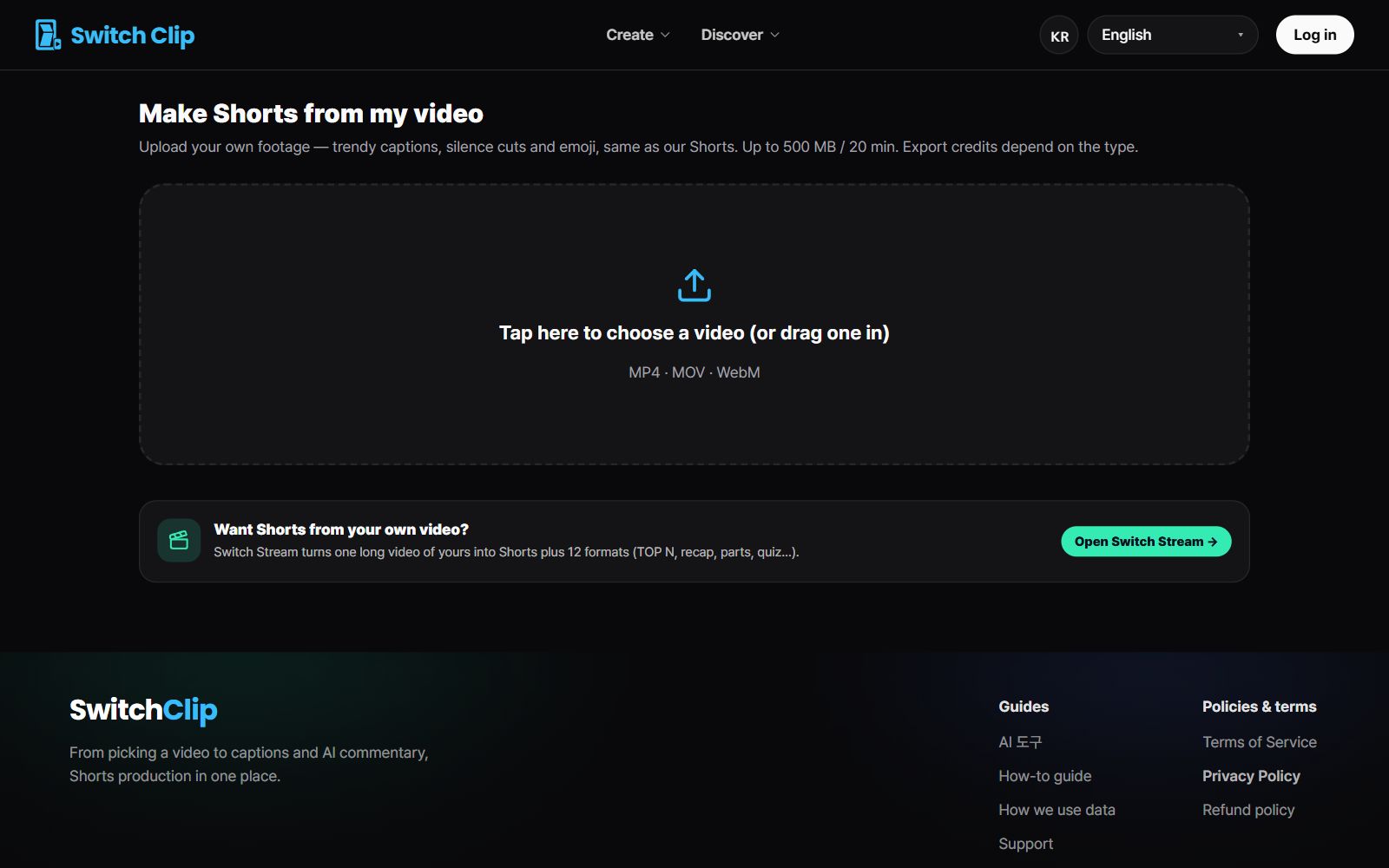
With interview Shorts, finding the one great line is most of the work. Add the interview video and you get up to 6 candidate Shorts. Instead of rewatching from the start, watch the candidates in preview and pick.
Lines that work as Shorts
- An answer that makes sense even without hearing the question
- A specific story that comes from experience
- An answer with the conclusion in the first sentence
- An answer that leaves you wanting to hear what comes next
Step by step
- 1
Add the interview video
Upload the video file.
- 2
Pick a format
Choose highlights to keep the words as spoken, or narration if it needs background.
- 3
Pick a candidate
Watch the Shorts in the free preview and decide which to use.
- 4
Check captions, then export
Confirm names and job titles, then save.
Keep the speaker's meaning intact
Cutting a quote short can make it seem to mean something else. Check that the Short on its own still conveys the original meaning. Leave the captions exactly as spoken and just get the names and titles right.
Pick a video, get up to 6 Shorts
Switch Clip gathers videos you are allowed to reuse and public-domain classics. Pick one and you get Shorts with captions, a title, commentary and the credit line. Your first one is free, no sign-up.
Try it with an interview videoFrequently asked questions
The interview is long and I can't tell which parts are good.
Add the video and you get candidate Shorts. Pick from the previews and there's no need to rewatch the whole thing.
Does the interviewer's voice need to be in it?
If the answer makes sense alone, the answer alone is fine. If the question is essential, use the narration format to add the background.
Do I need the interviewee's permission?
It's best to tell them in advance that you'll post Shorts as well. It's easier for both sides and means fewer changes later.