Blog · Use cases
How to Make Multiple Shorts from One Long Video (Up to 6)
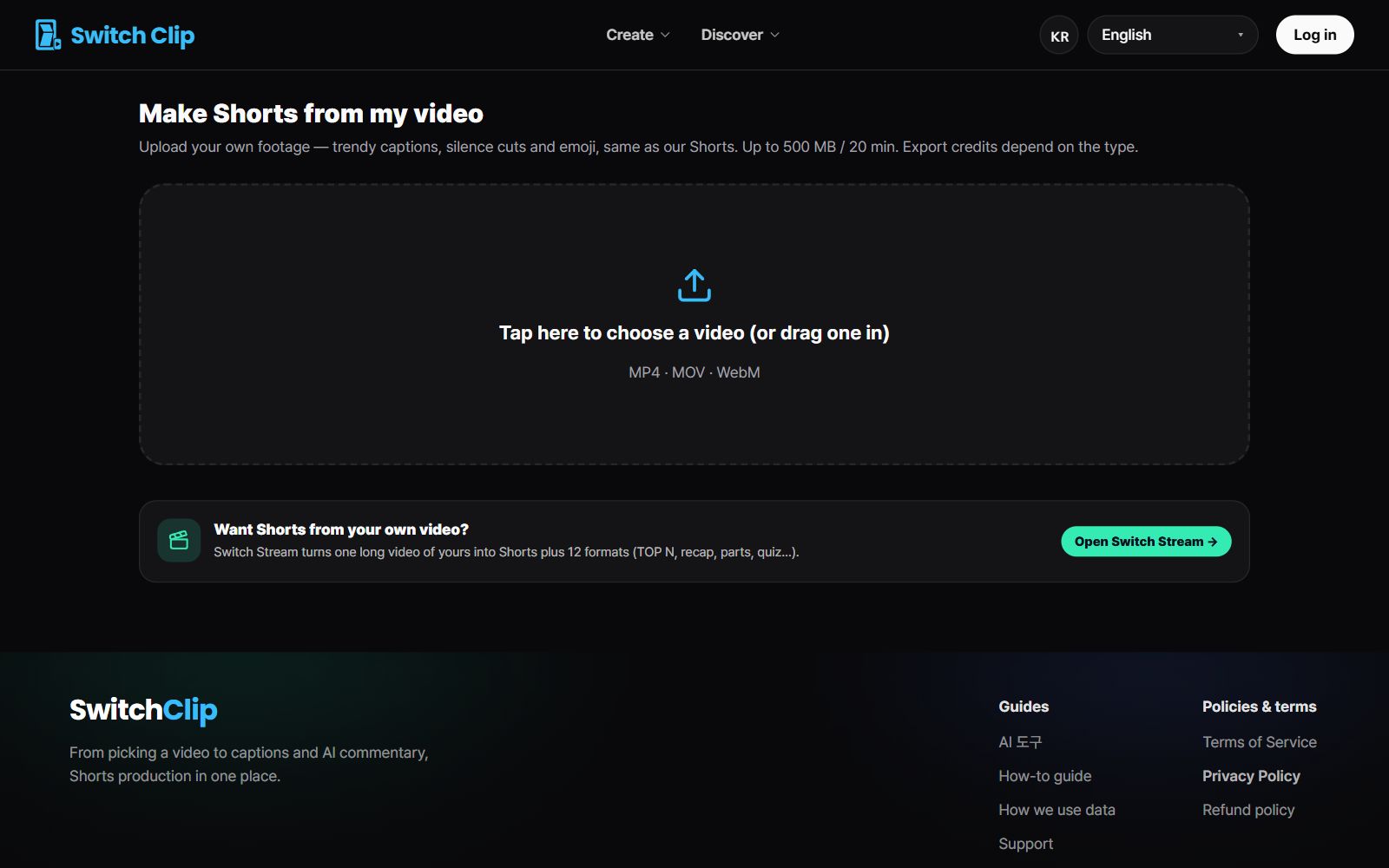
One long video is enough to make several Shorts. In Switch Clip, picking one video gives you up to 6 Shorts. Captions, a hook title, and AI narration come attached, so there's little left to edit.
Why one video yields several Shorts
A long video changes topic a number of times. Each of those points holds a short story of its own. Lift them out separately and you get Shorts that are different from one another.
Step by step
- 1
Pick a video
Choose from the library of reuse-allowed videos or add your own.
- 2
Pick a format
Choose from narration, 3 key points, highlights, or compilation.
- 3
Preview
Watch the Shorts for free and decide which to use.
- 4
Export
Fix the captions, then save or post straight to YouTube.
Tips for posting several
- Spread them out at one a day instead of posting them all on the same day.
- Change the format from Short to Short so the structure doesn't repeat.
- Check that the titles start with different first words.
- Reuse the format that got the best response on your next video.
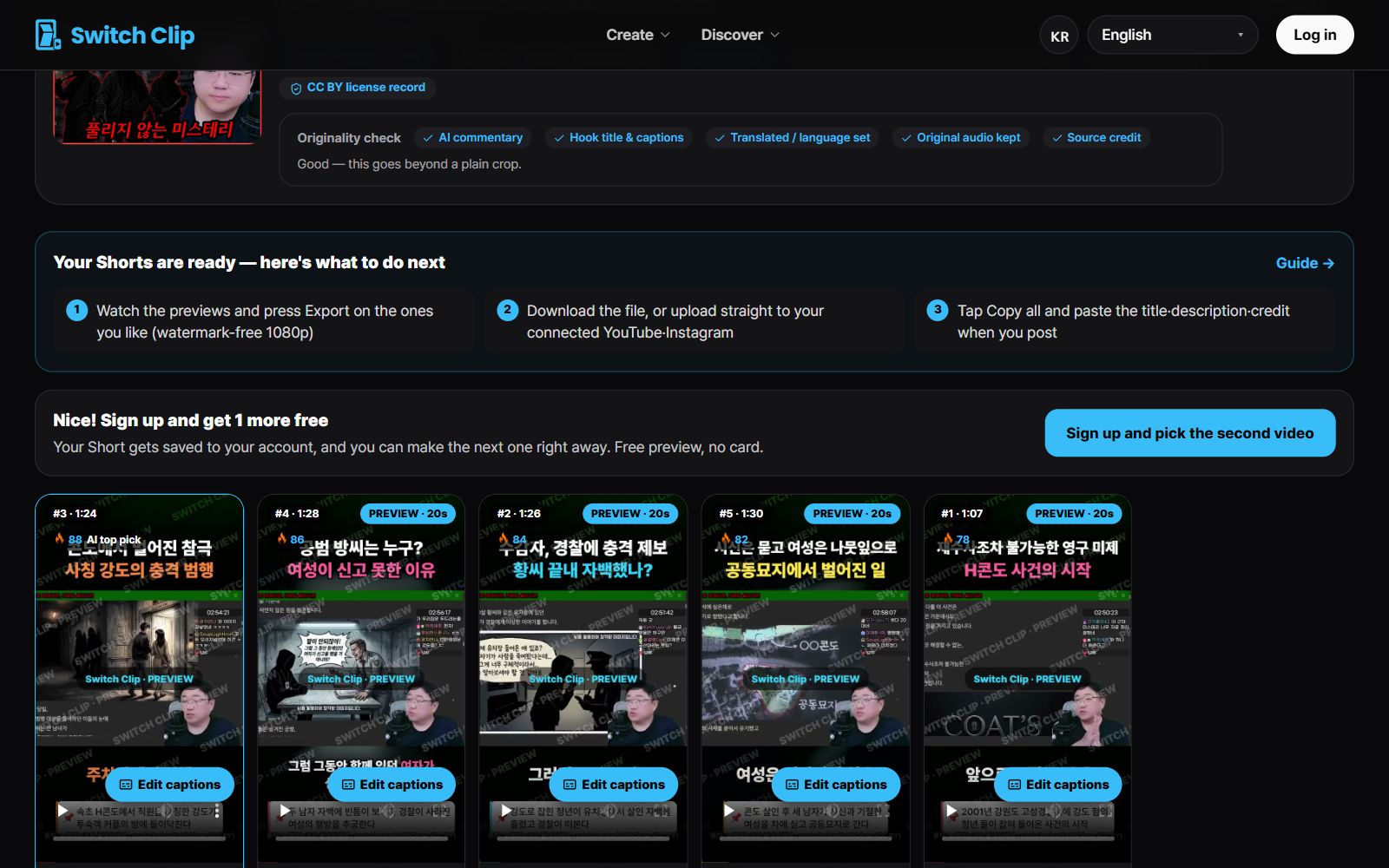
Pick a video, get up to 6 Shorts
Switch Clip gathers videos you are allowed to reuse and public-domain classics. Pick one and you get Shorts with captions, a title, commentary and the credit line. Your first one is free, no sign-up.
Make a Short for freeFrequently asked questions
Can I make Shorts without a long video of my own?
Yes. Switch Clip keeps a library of reuse-allowed (CC BY) videos and public-domain classics whose copyright has expired, so you don't need your own footage.
Do I have to take every Short it makes?
No. Watch the previews and export only the ones you like. Billing is based on the number of Shorts you export.
How do I credit the source when I use someone else's video?
The source is credited automatically. It goes into the video and the description without you writing it.