Blog · Use cases
How to Add Auto Captions to Shorts: AI Drafts, You Check
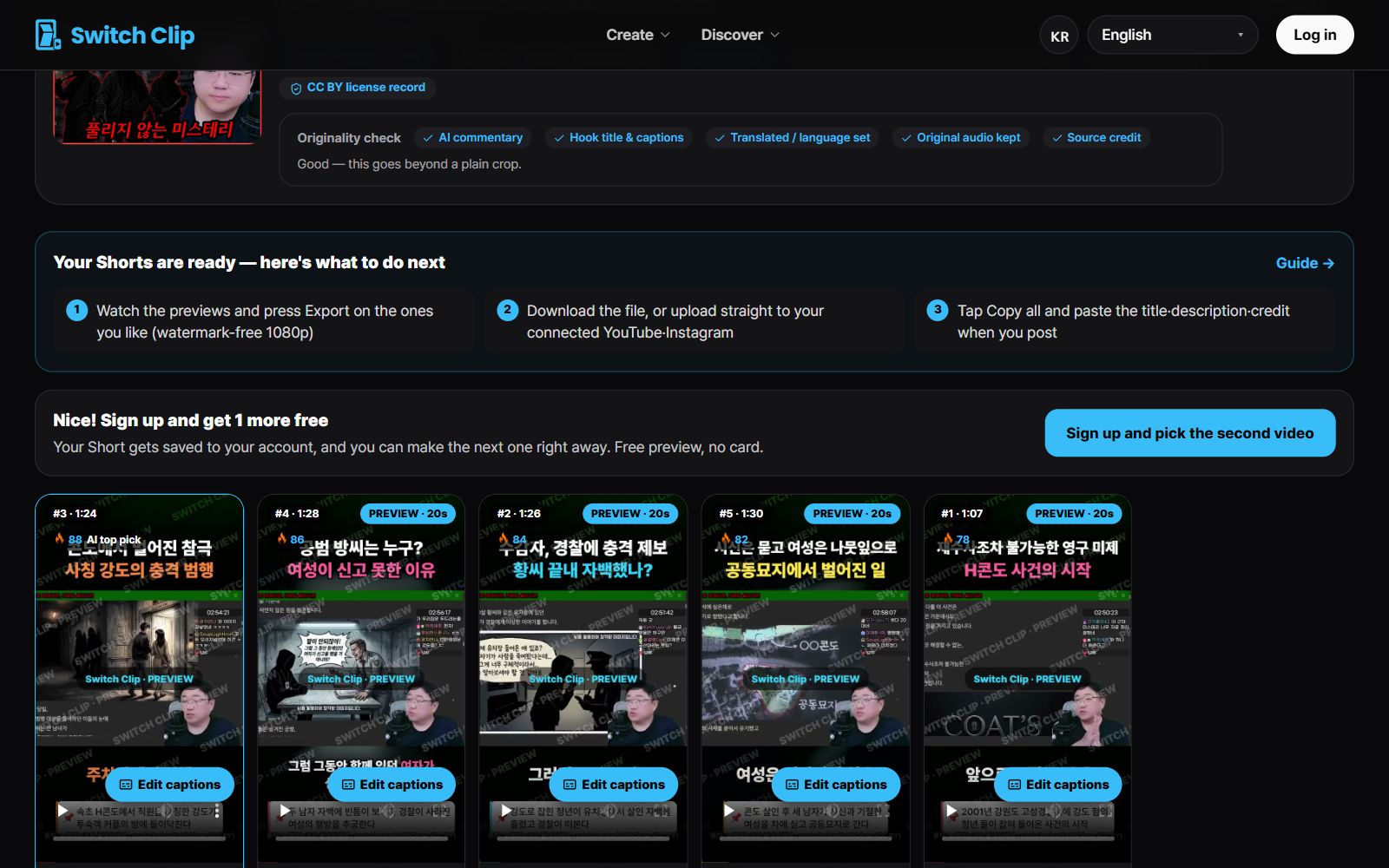
You don't need to type Shorts captions from scratch. Switch Clip adds captions automatically when it makes your Shorts. Your job is just to fix the words it got wrong.
What captions do for a Short
Plenty of people watch Shorts with the sound off. With captions, the content still gets across in silence. The faster the talking, the more captions help viewers follow along.
What to double-check in auto captions
- Proper names such as people, shops, and products
- Numbers and units
- Foreign words and abbreviations
- Words that sound alike and are easy to mix up
How to polish the captions
- 1
Play the preview
Watch the Short once all the way through and spot anything that reads oddly.
- 2
Fix the wording
Correct the wrong words. You can edit before you export.
- 3
Watch again on mute
Make sure the captions alone get the content across.
Pick a video, get up to 6 Shorts
Switch Clip gathers videos you are allowed to reuse and public-domain classics. Pick one and you get Shorts with captions, a title, commentary and the credit line. Your first one is free, no sign-up.
Make a Short for freeFrequently asked questions
Can I fix auto captions that are wrong?
Yes, you can edit the caption text before you export.
Do I need a script to add captions?
No. Add a video and the captions are attached automatically.
Does checking captions take long?
If you focus on names and numbers it's quick, about as long as playing the Short through once.