Blog · Getting started
YouTube Shorts After Work: A 30-Minute-a-Day Weekly Routine
Thirty minutes after work is enough to keep a Shorts channel going. The trick is to do only one job a day. Split picking topics, making, and posting across the week and each one fits inside 30 minutes.
Trying to do it all in 30 minutes wears you out
Finding a topic, editing, and writing a title won't fit in 30 minutes. So a little slips every day, and a week later you've stopped. Split the work by day and there's only one thing to do today, which makes it easy to start.
The 30-minute routine, day by day
- 1
Monday: pick 3 topics
Choose just 3 topics for the week. Don't keep searching. Write them in your notes app and you're done.
- 2
Tuesday and Wednesday: make
Make one or two videos a day. Finish the captions and title the same day.
- 3
Thursday: fix
Watch each video once with the sound off and once with it on. Fix only wrong captions and an awkward first line.
- 4
Friday: post
Check the title and description, then post. Save any extra videos for the weekend.
- 5
Weekend: 10-minute review
Check only which videos were watched to the end and add one line to next week's topic list.
No time to film? Start with footage that already exists
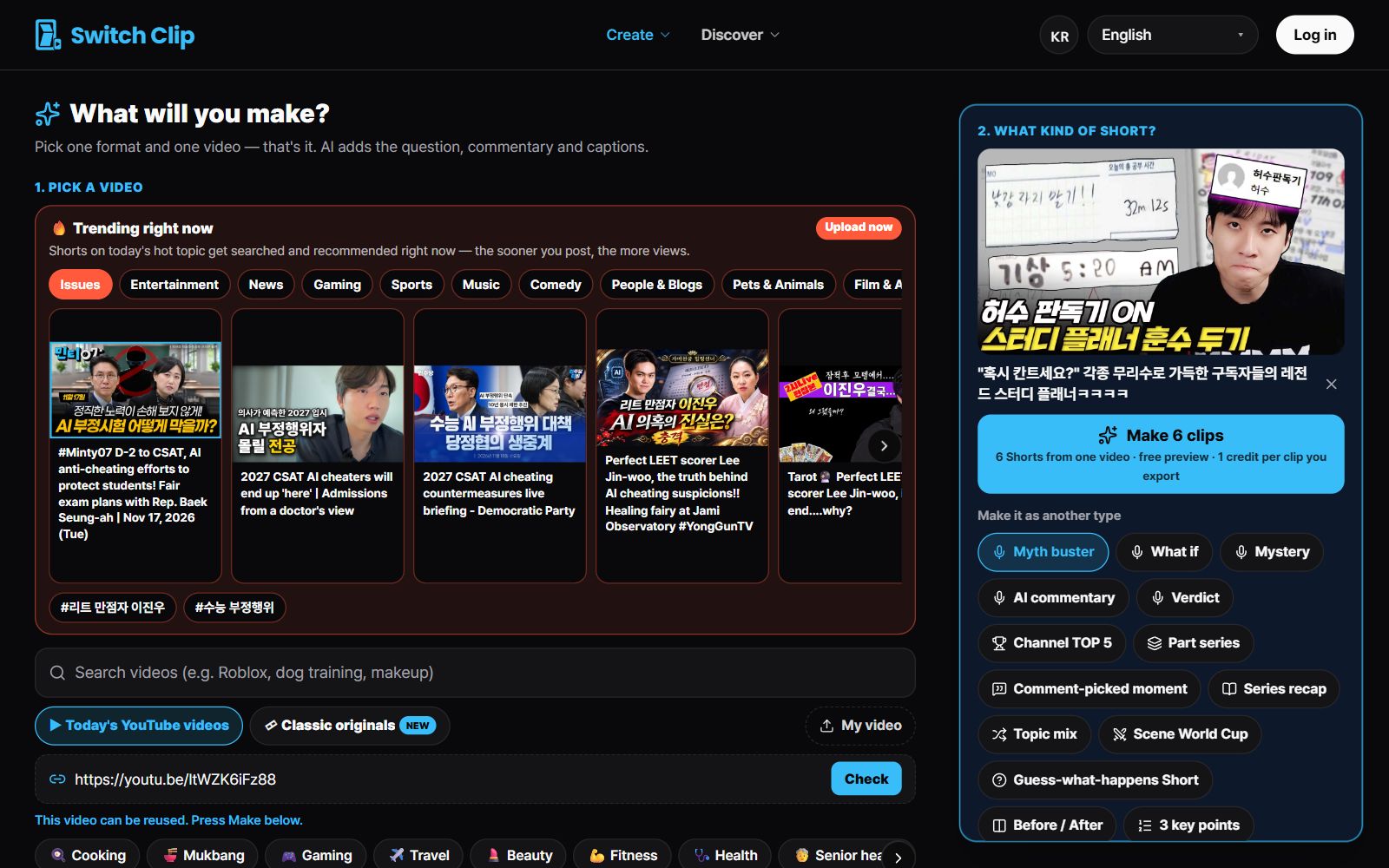
Filming on a weekday is hard. Switch Clip collects reuse-allowed YouTube videos and public-domain classics, so you can make Shorts without footage of your own. Pick one video and you get up to 6 Shorts with captions, a hook title, and AI narration. Your Tuesday and Wednesday 30 minutes get a lot roomier.
Pick a video, get up to 6 Shorts
Switch Clip gathers videos you are allowed to reuse and public-domain classics. Pick one and you get Shorts with captions, a title, commentary and the credit line. Your first one is free, no sign-up.
Make a Short in under 30 minutesFrequently asked questions
Do I have to post every day?
No. Two or three videos a week on the same days, kept up steadily, lasts longer than daily posting.
What about days when I can't find even 30 minutes?
Skip that day instead of pushing its job to the next one. Make one extra video during your weekend review and the rhythm holds.
When do I film on weekdays?
If your channel needs filming, shoot everything on the weekend and keep weekdays for editing and uploading.