Blog · How-to
Shorts Formats: Narration, 3 Key Points, Highlights, Compilation
Even with the same video, changing the format gives you a Short with a different feel. Switch Clip has formats such as narration, 3 key points, highlights, and compilation. Just choose the one that suits the video.
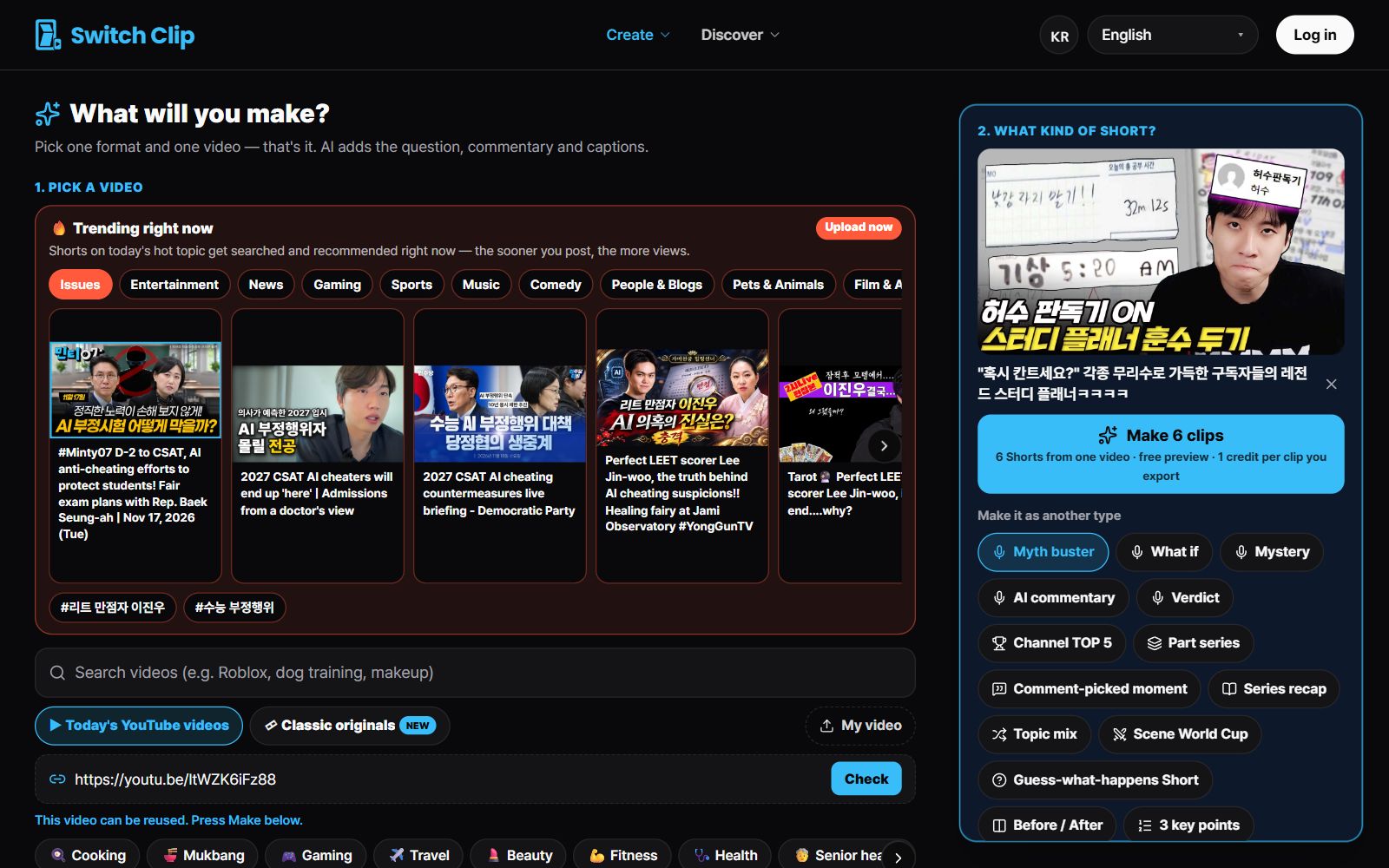
Which videos suit each format
- Narration: videos that need background explained to be enjoyable
- 3 key points: videos with a lot to summarize, like lectures, reviews, and conversations
- Highlights: videos where the scenes themselves are the attraction
- Compilation: when you want to bundle several similar scenes into one Short
How to choose
- 1
Look at the video's character
First see whether it's driven by talk or by scenes.
- 2
Pick one format
For talk-driven videos choose 3 key points or narration; for scene-driven ones choose highlights.
- 3
Compare in the preview
Watch the result for free and see whether it fits.
Why mixing formats helps
Using the same template every time makes a channel look monotonous. Rotate formats and material and each video ends up structured differently. You also learn which formats get the best response.
Pick a video, get up to 6 Shorts
Switch Clip gathers videos you are allowed to reuse and public-domain classics. Pick one and you get Shorts with captions, a title, commentary and the credit line. Your first one is free, no sign-up.
Make a Short for freeFrequently asked questions
Which format is the best?
It depends on the video. Previews are free, so make it first in the format you think will fit, then decide.
Do captions come with whichever format I choose?
Yes. Captions, a hook title, and the source credit are added automatically.
I'm new and don't know what to choose.
Start with 3 key points for videos with lots of talking, and highlights for videos with great scenes.