Blog · Use cases
How to Turn Landscape Video into Vertical Shorts, No Reshoot
You can turn a landscape video into vertical Shorts without reshooting it. There are two ways to do it: crop in on the center so it fills the screen, or place the whole landscape picture inside the vertical frame.

How the two approaches differ
- Crop in: the picture fills the screen and pulls viewers in. Best when a face or a single object is the focus.
- Full frame: nothing gets cut off at the sides. Best when several people are on screen or viewers need to see the whole picture.
- The space left above and below holds the title and captions, so it doesn't look empty.
Switch Clip decides for you
When you add a video, Switch Clip automatically chooses between cropping in and fitting the full frame. You get vertical Shorts without setting a crop area yourself. Just check how the picture turned out in the preview first.
Step by step
- 1
Add your landscape video
Upload the video file.
- 2
Preview the Shorts
Check the vertical versions for free.
- 3
Check the captions
Make sure the text isn't covering an important part of the scene, and fix the wording.
- 4
Export
Save only the Shorts you like, or post them straight to YouTube.
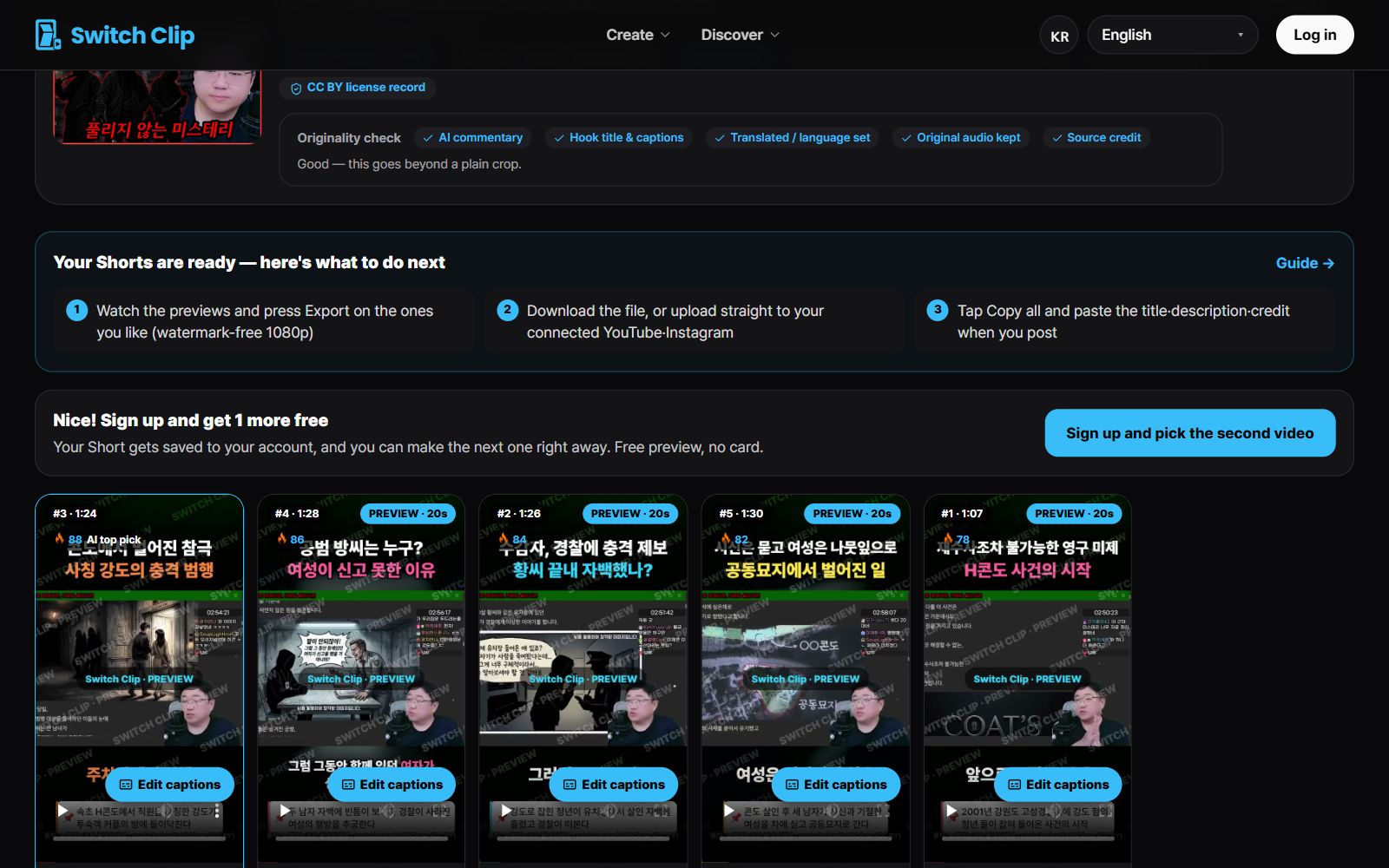
Pick a video, get up to 6 Shorts
Switch Clip gathers videos you are allowed to reuse and public-domain classics. Pick one and you get Shorts with captions, a title, commentary and the credit line. Your first one is free, no sign-up.
Try it with a landscape videoFrequently asked questions
Does converting landscape to vertical lower the quality?
Cropping in uses only part of the original picture. The better the source quality, the better the result, so add the highest-quality original you have.
What if cropping the sides hides something important?
Those scenes call for the full-frame approach. Check the preview and pick a Short where nothing is cut off.
Do I need separate editing software?
No. Add a video and you get the vertical framing, captions, and title all at once.