Blog · Getting started
How to Start Making Shorts: 5 Steps to Your First Video
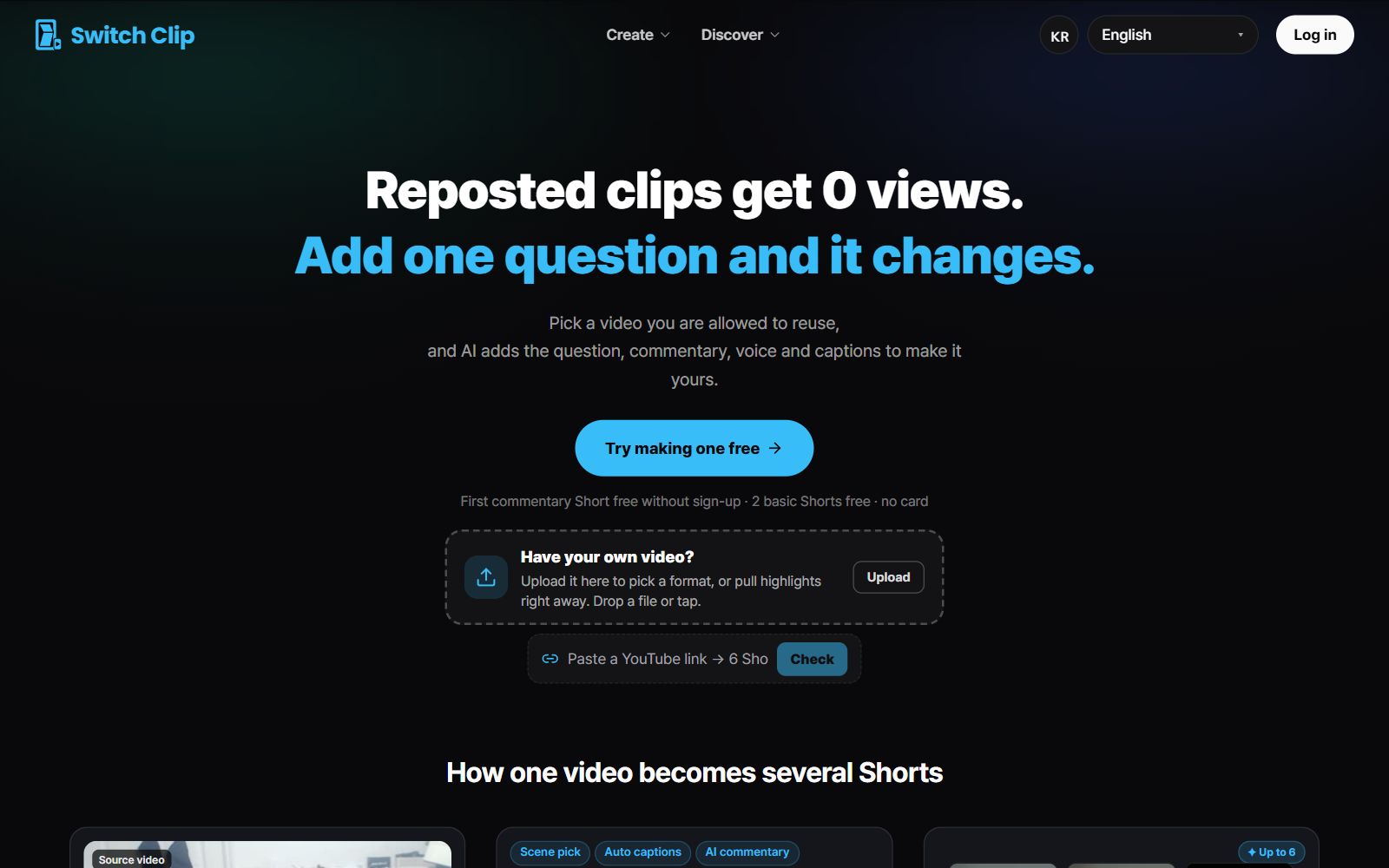
The way to start with Shorts is to post your first video. Create a channel, set a topic, then make Shorts from one video and post. Even without footage of your own, you can start with videos from the library.
5 steps to your first video
- 1
Create a channel
Set up one YouTube channel.
- 2
Decide on one topic
Pick a topic you can keep posting about for a long time.
- 3
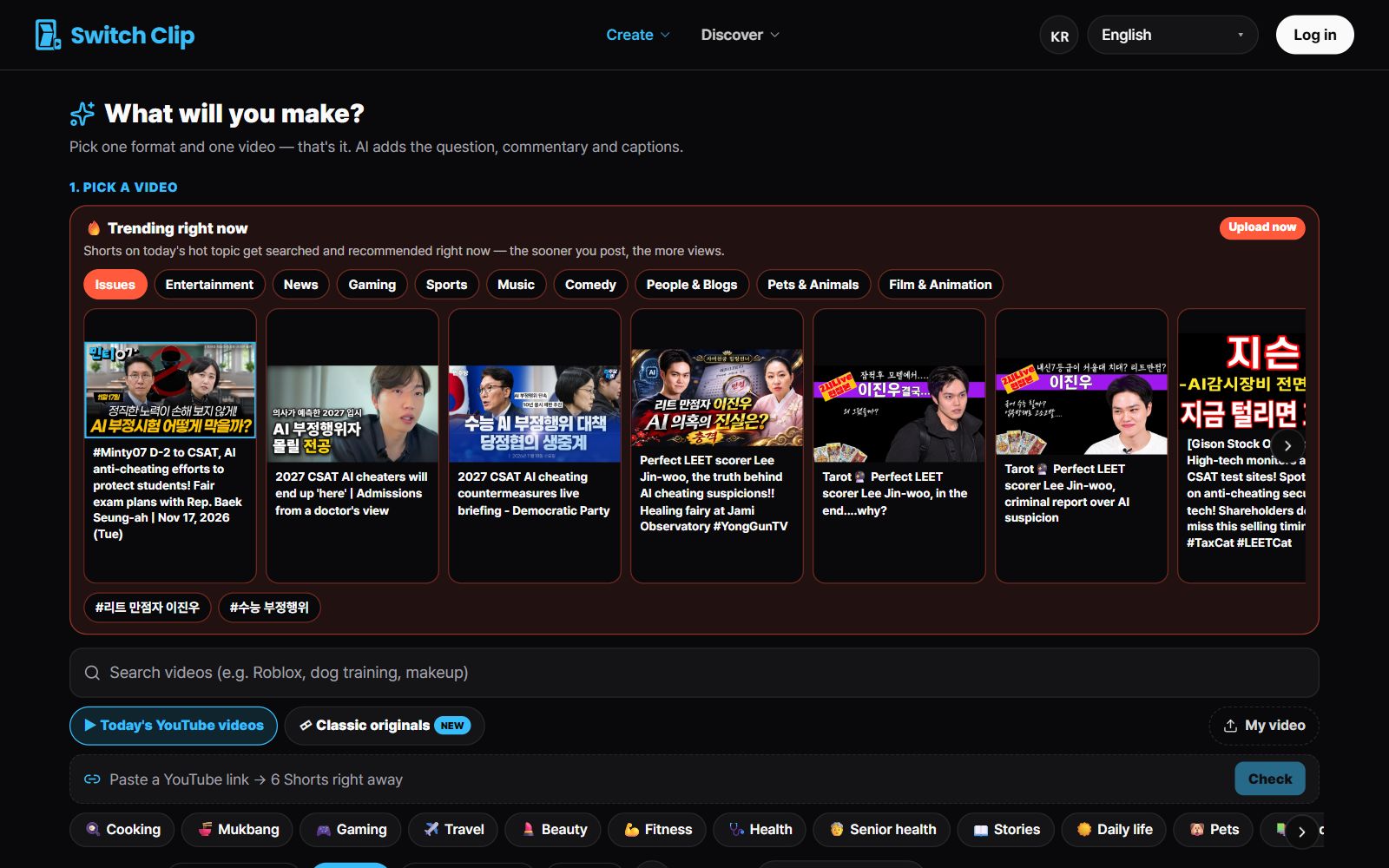
Pick a video
Choose one from reuse-allowed videos, public-domain classics, or Trending now.
- 4
Make the Shorts
Pick a format and use the previews to decide which Shorts to use.
- 5
Post
Check the captions and post to YouTube.
What beginners ask most
- Equipment: you can start without any.
- Editing: captions, titles, and narration are added automatically.
- Copyright: reuse-allowed videos can be used when you credit the source, and the credit is added automatically.
- Cost: previews are free and your first export works without an account.
After your first video is up
One video is too early to judge results. Keep posting on the same topic and watch which videos get a response. Revenue depends on YouTube's requirements and review, so build the posting habit first.
Pick a video, get up to 6 Shorts
Switch Clip gathers videos you are allowed to reuse and public-domain classics. Pick one and you get Shorts with captions, a title, commentary and the credit line. Your first one is free, no sign-up.
See the YouTube getting-started guideFrequently asked questions
Can I do this alongside a full-time job?
One video gives you several Shorts. Make them in one sitting and post one a day, and it takes little time.
What topic should I choose?
A topic you already look up regularly is a good one. Choose something you won't burn out on over the long run.
How do I create a YouTube channel?
If you have a Google account you can create one right away. Our getting-started guide walks through the steps.