Blog · Getting started
How to Hook Viewers in the First 3 Seconds of a Short
In the first 3 seconds of a Short, lead with a conclusion or a question instead of a greeting. Viewers decide on the opening frame whether to watch or swipe. Put your most intriguing sentence at the very front.
What works in the first 3 seconds
- A one-sentence conclusion
- A question that makes people want the answer
- Your most eye-catching scene
- A hook title that says what the video is about
How to trim the greeting
- 1
Write down your first sentence
Put the first sentence of your current Short in writing.
- 2
Cut the greeting and self-intro
If the content still makes sense without them, take them out.
- 3
Move the conclusion up
Make the thing you most want to say the first sentence.
- 4
Look at the opening frame alone
Pause the video and check whether the opening frame by itself tells you what it's about.
Letting a tool do the trimming
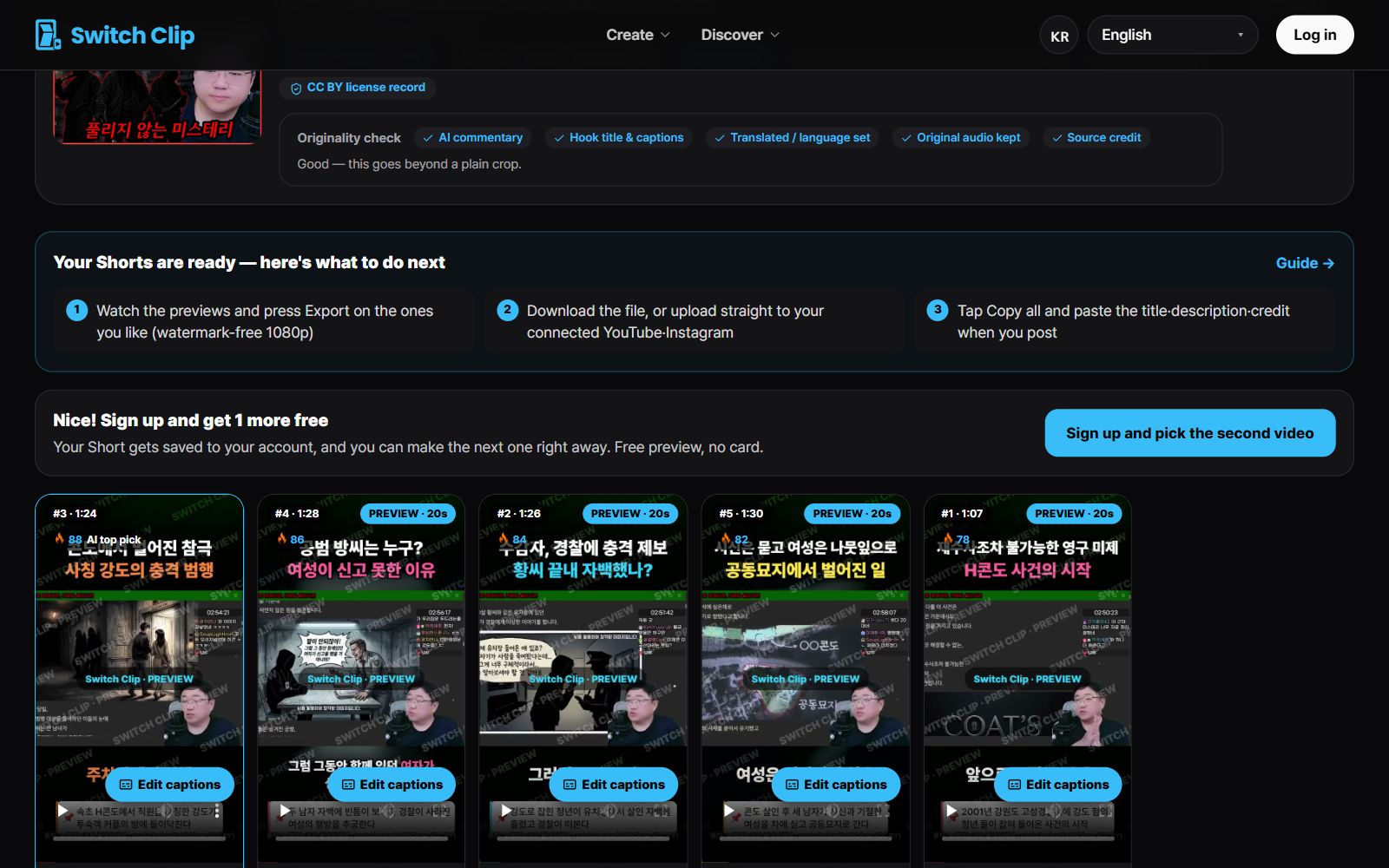
Switch Clip puts a hook title on the opening frame of every Short. So viewers see what the video is about right away, without a spoken intro. Of the several Shorts made from one video, just pick the one that gets going fastest.
Pick a video, get up to 6 Shorts
Switch Clip gathers videos you are allowed to reuse and public-domain classics. Pick one and you get Shorts with captions, a title, commentary and the credit line. Your first one is free, no sign-up.
Make a Short for freeFrequently asked questions
Is it okay to skip the greeting entirely?
In Shorts, yes. Add a brief hello at the end, or save it for your long videos.
I don't know how to start my first sentence.
Write the most surprising fact or the conclusion of the video in one sentence. That's your first sentence.
What about videos I've already filmed?
There's no need to reshoot. Add the video, turn it into Shorts, and pick a Short that starts from the important part.