Blog · Use cases
How to Turn a Vlog into Shorts: From One File to Picked Scenes
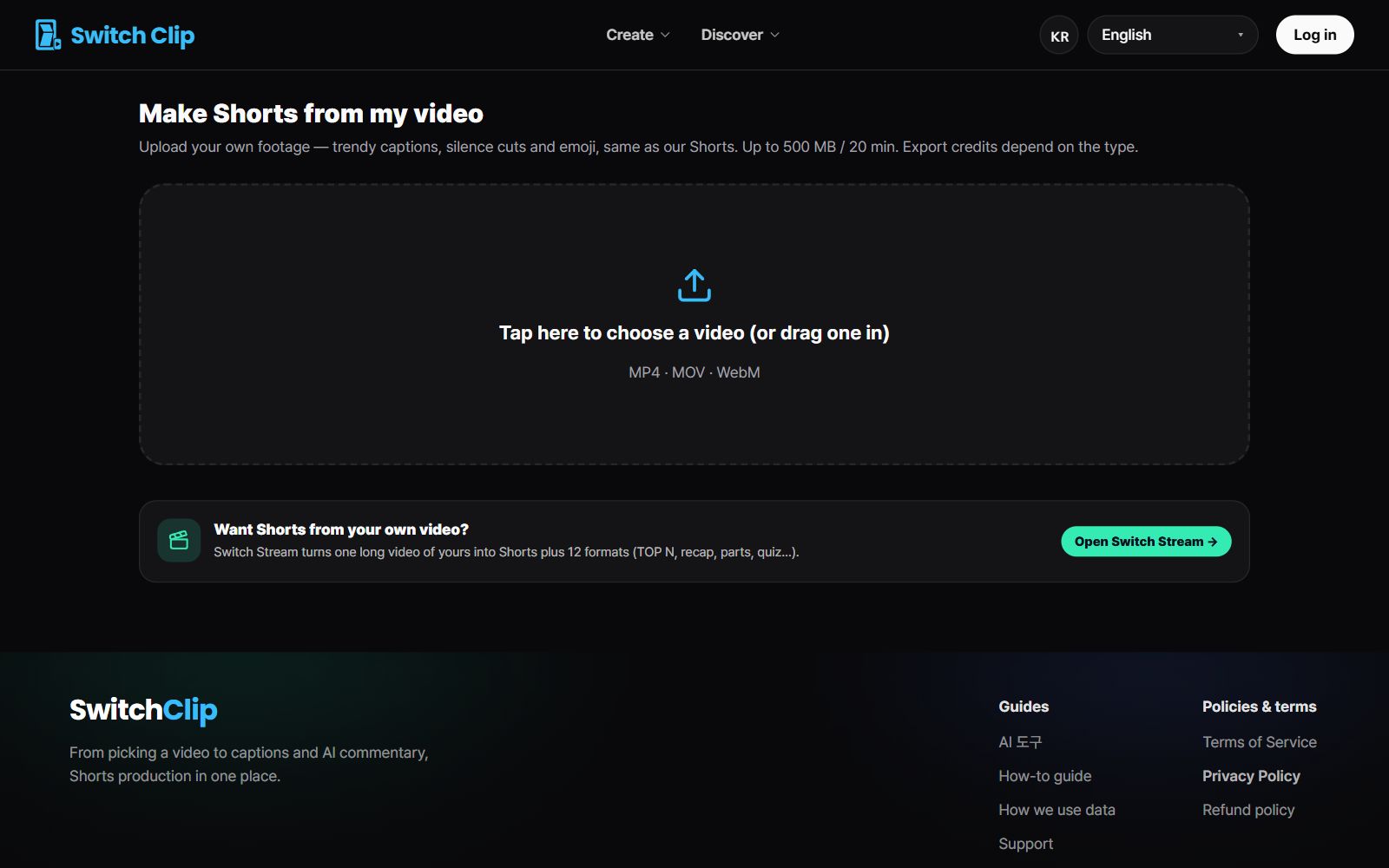
A vlog can become Shorts without filming anything new. Upload the video file to Switch Clip and you get up to 6 vertical Shorts. Captions and a hook title come attached, so all that's left is picking and polishing.
Why vlogs make great Shorts material
A single vlog holds several scenes that still make sense when you lift them out: eating, getting from place to place, a one-line reaction. A moment that just passes by in the long video becomes the star of a Short.
Step by step
- 1
Add your video
Upload your vlog's video file.
- 2
Pick a format
Choose highlights if it's all about the scenes, or narration if you want an explanation on top.
- 3
Choose from the previews
Watch the Shorts in the free preview and pick the ones you like.
- 4
Fix captions and save
Correct the captions that are easy to get wrong, like people's names and shop names, then export.
What to look for when picking vlog Shorts
- The scene makes sense without any setup before or after
- There's movement or a facial expression in the opening frame
- Each Short tells just one story
- The point still comes across with the sound off, thanks to the captions
Pick a video, get up to 6 Shorts
Switch Clip gathers videos you are allowed to reuse and public-domain classics. Pick one and you get Shorts with captions, a title, commentary and the credit line. Your first one is free, no sign-up.
Make Shorts from my vlogFrequently asked questions
My vlog was shot in landscape. Is that a problem?
Not at all. Switch Clip automatically decides whether to crop in to fill the vertical frame or fit the full picture inside it.
How many Shorts do I get from one vlog?
Up to 6 per video. Watch the previews and export only the ones you need.
Do I have to sign up to try it?
Previews are free, and your first export works without an account.