Blog · How-to
How to Make AI Narration Shorts: Add Commentary to a Video
An AI narration Short is a Short with an explanation added to the video. Choose the narration format in Switch Clip and AI narration, captions, and a hook title all come attached. If the wording feels off, you can edit the captions before exporting.
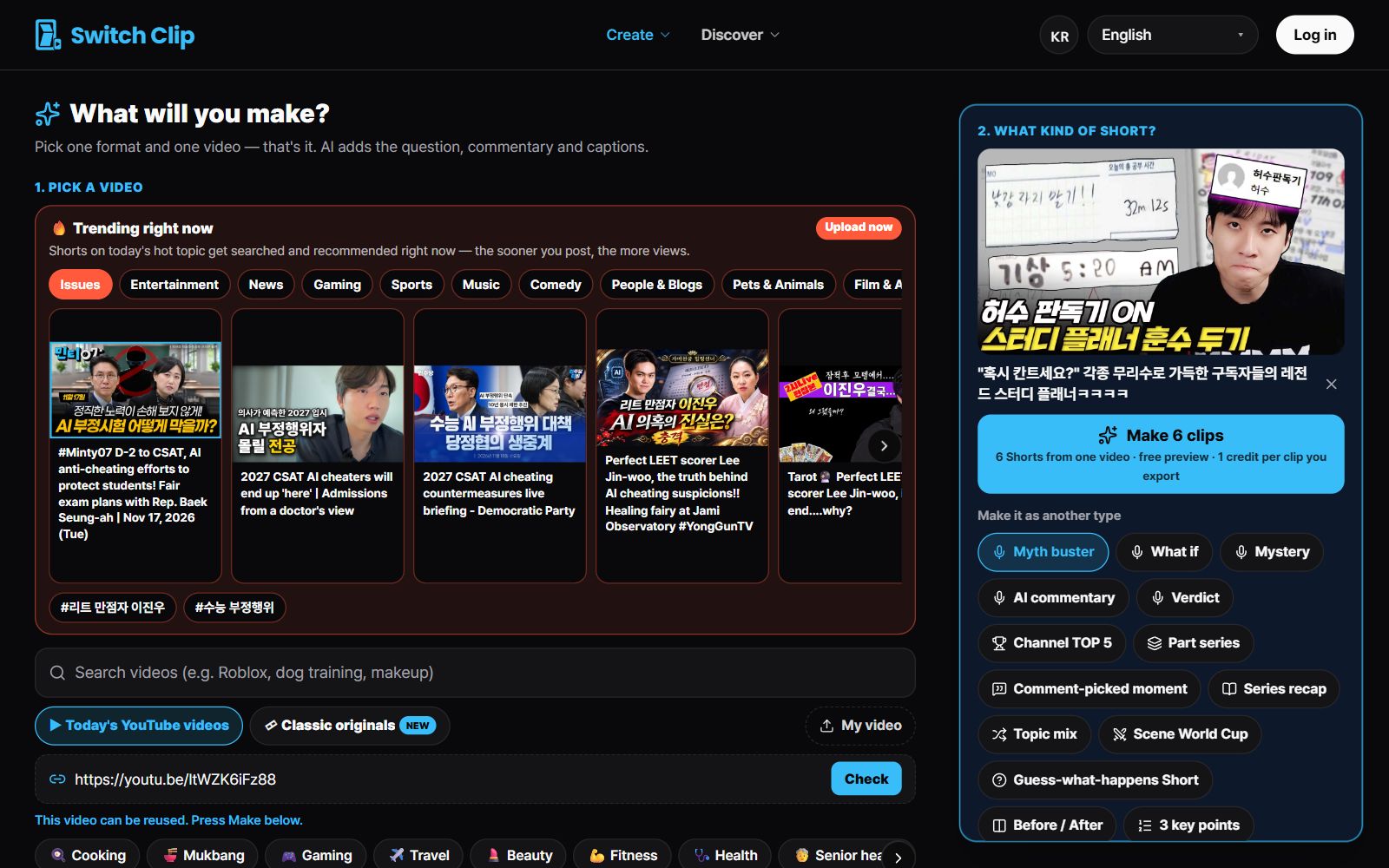
Videos that suit narration
- Videos that are only fun once you know the background
- Videos with little talking where the scenes carry it
- Public-domain classics, older works that need explaining
- Videos that sum up something that's been in the news lately
Step by step
- 1
Pick a video
Choose from the library or add your own video.
- 2
Choose the narration format
This is the format that adds an explanation.
- 3
Preview
Watch to the end to see that the narration matches the video.
- 4
Fix captions and export
Check names and numbers, then save.
What to check before exporting
Confirm that the names and numbers in the narration match the original. Captions can be edited before you export. If you used someone else's video, the source is credited automatically.
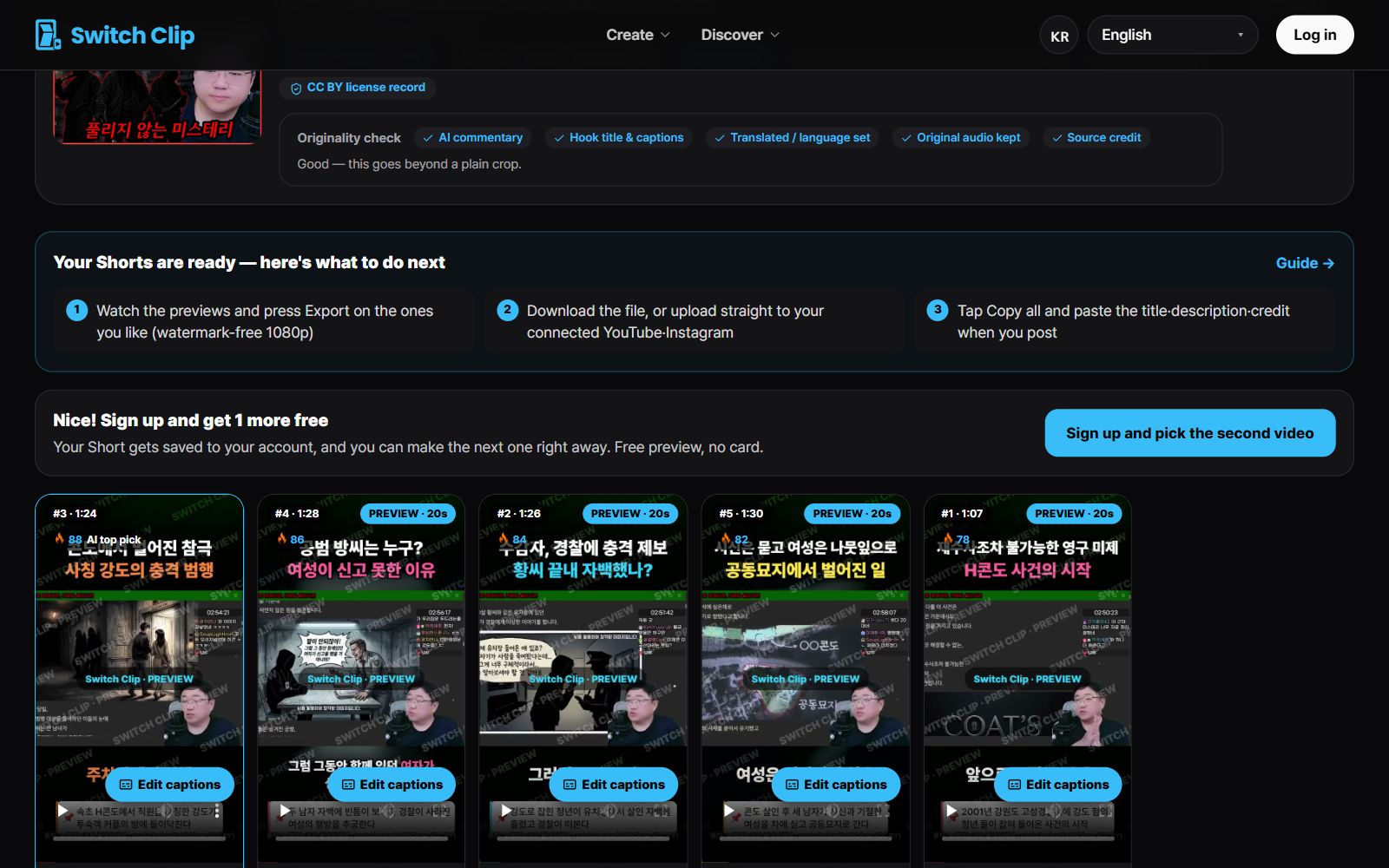
Pick a video, get up to 6 Shorts
Switch Clip gathers videos you are allowed to reuse and public-domain classics. Pick one and you get Shorts with captions, a title, commentary and the credit line. Your first one is free, no sign-up.
Make a Short for freeFrequently asked questions
Do I have to write the narration myself?
No. Choose the narration format and the AI adds the narration.
Are there formats other than narration?
Yes: 3 key points, highlights, compilation, and more. Choose whichever suits the video.
What if I don't like the narration wording?
You can edit the captions before exporting. Another option is to pick a different Short made from the same video.