Blog · How-to
Stuck on Shorts Ideas? Start with the Trending Now Category
When no Shorts idea comes to mind, stop searching and pick from a place where material is already gathered. Switch Clip has a Trending now category. It also keeps reuse-allowed videos and public-domain classics, so you can start without footage of your own.
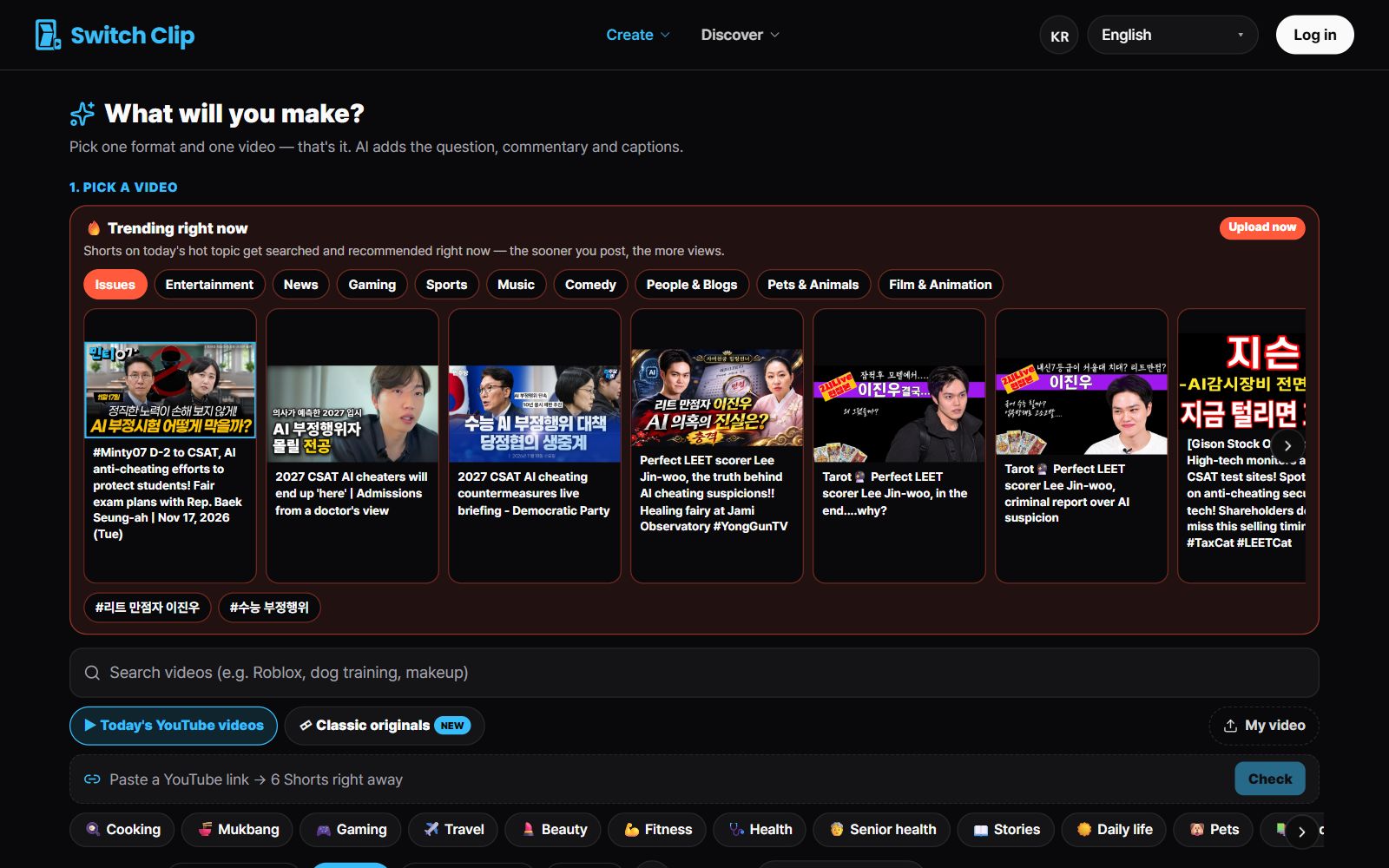
Three places to find material
- Trending now: videos on topics people are interested in right now
- Reuse-allowed (CC BY) videos: YouTube videos you can use as long as you credit the source
- Public-domain classics: older works whose copyright has expired
How to choose
- 1
Set your channel's topic
Decide on one topic first. It narrows what you have to choose from.
- 2
Look at Trending now
Start by seeing whether any videos touch on your topic.
- 3
Pick one video
Choose one you'd want to watch to the end.
- 4
Preview the Shorts
Watch the Shorts for free and decide which to use.
What makes good material
A video that makes you curious yourself is good material. If you can say what it's about in one sentence, it's easy to turn into a Short. Even with a trending topic, choose one that connects to your channel's topic.
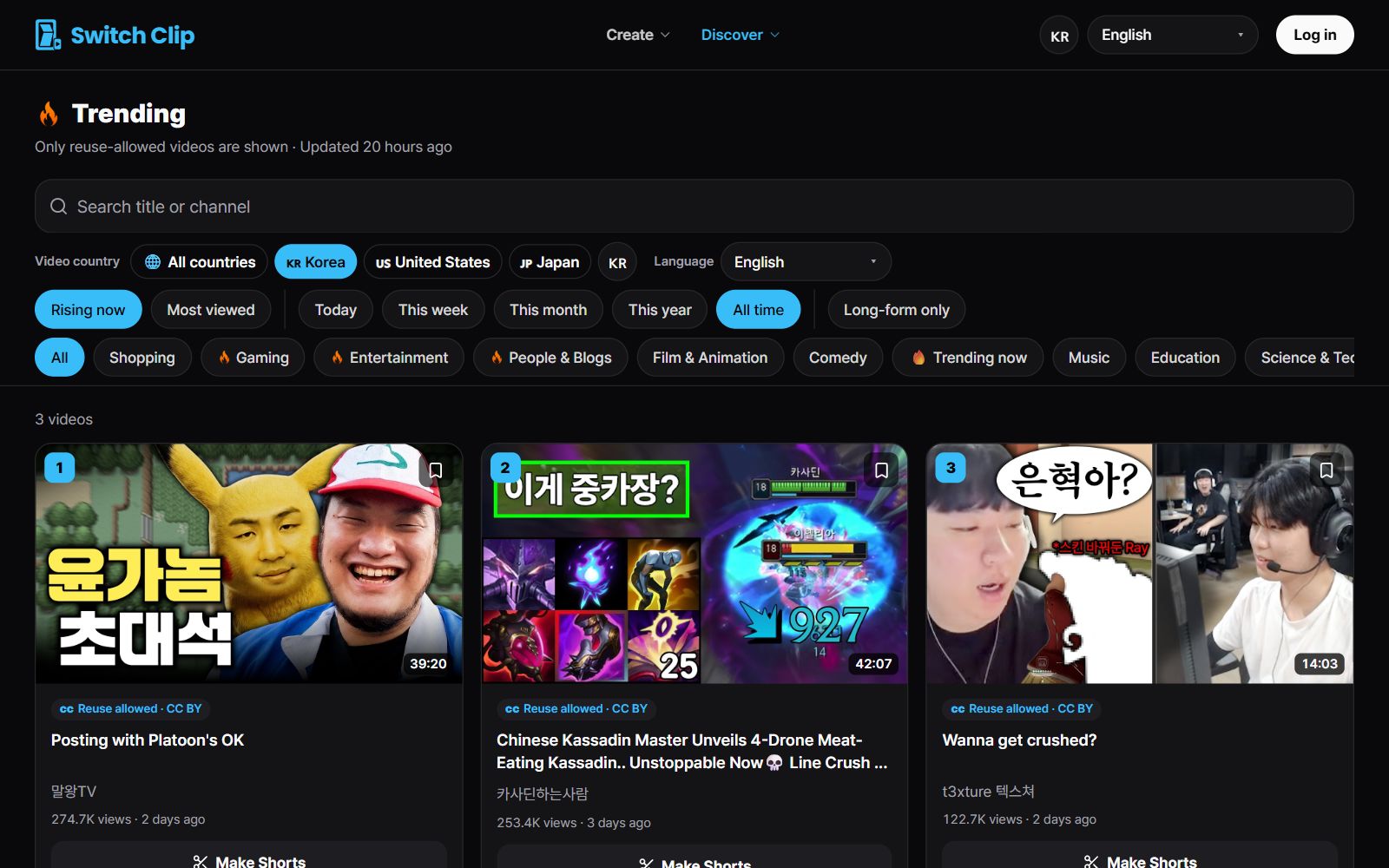
Pick a video, get up to 6 Shorts
Switch Clip gathers videos you are allowed to reuse and public-domain classics. Pick one and you get Shorts with captions, a title, commentary and the credit line. Your first one is free, no sign-up.
See Trending now videosFrequently asked questions
Is it okay to use someone else's video?
Reuse-allowed (CC BY) videos can be used on the condition that you credit the source. Switch Clip adds the credit automatically.
Can I just chase trending videos?
It's better to pick the spot where a trend meets your channel's topic. A consistent topic makes your channel easier to remember.
Does choosing material cost anything?
Choosing and previewing are free. Billing is based on the number of Shorts you export.