Blog · How-to
How to Use Switch Clip: From Picking a Video to Your First Short
Switch Clip is a tool that gives you up to 6 Shorts from a single video. Even without footage of your own, you can start by picking from the video library. Previews are free, and your first export works without an account.
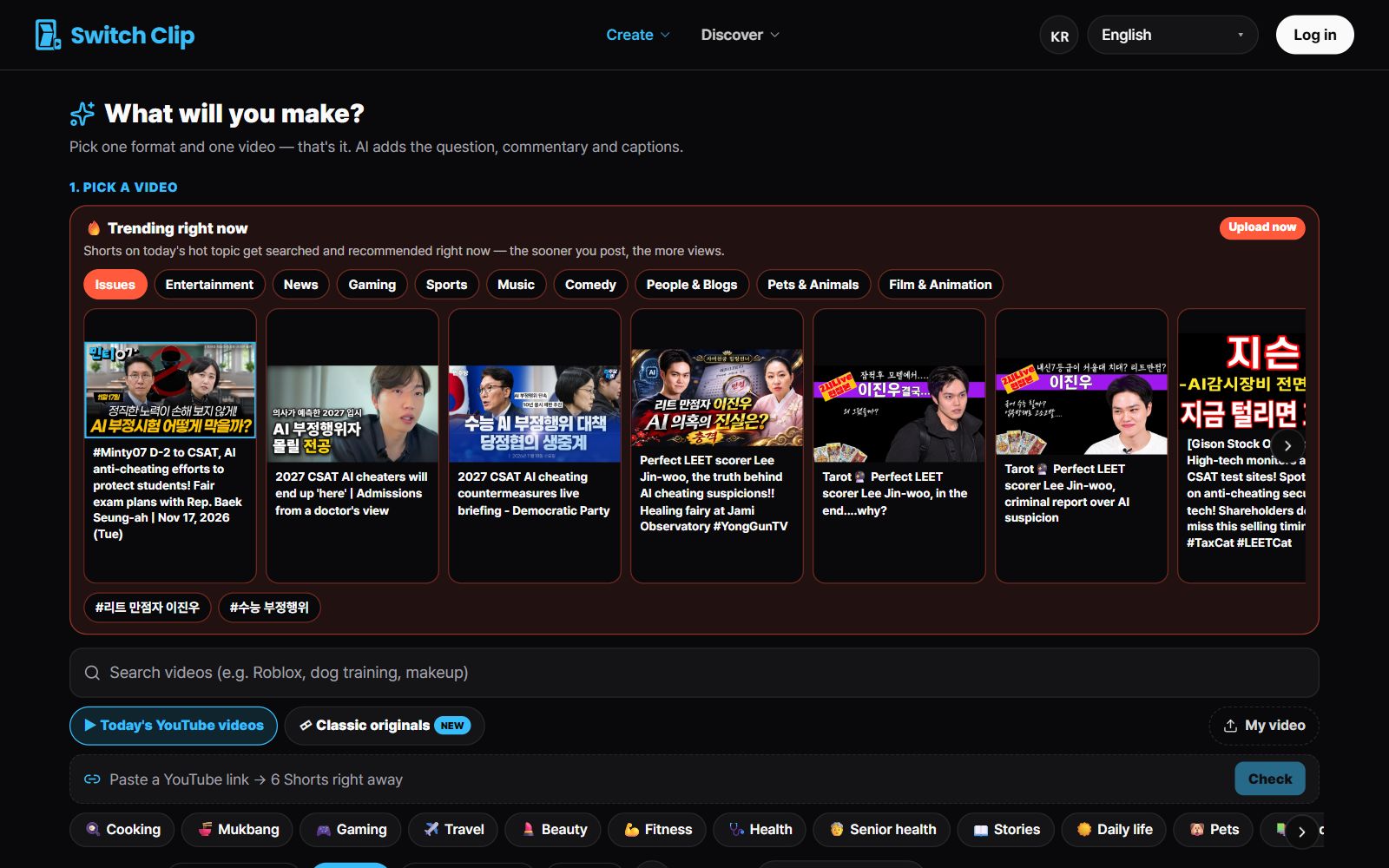
5 steps to your first Short
- 1
Pick a video
Choose from reuse-allowed videos, public-domain classics, or Trending now, or add your own video.
- 2
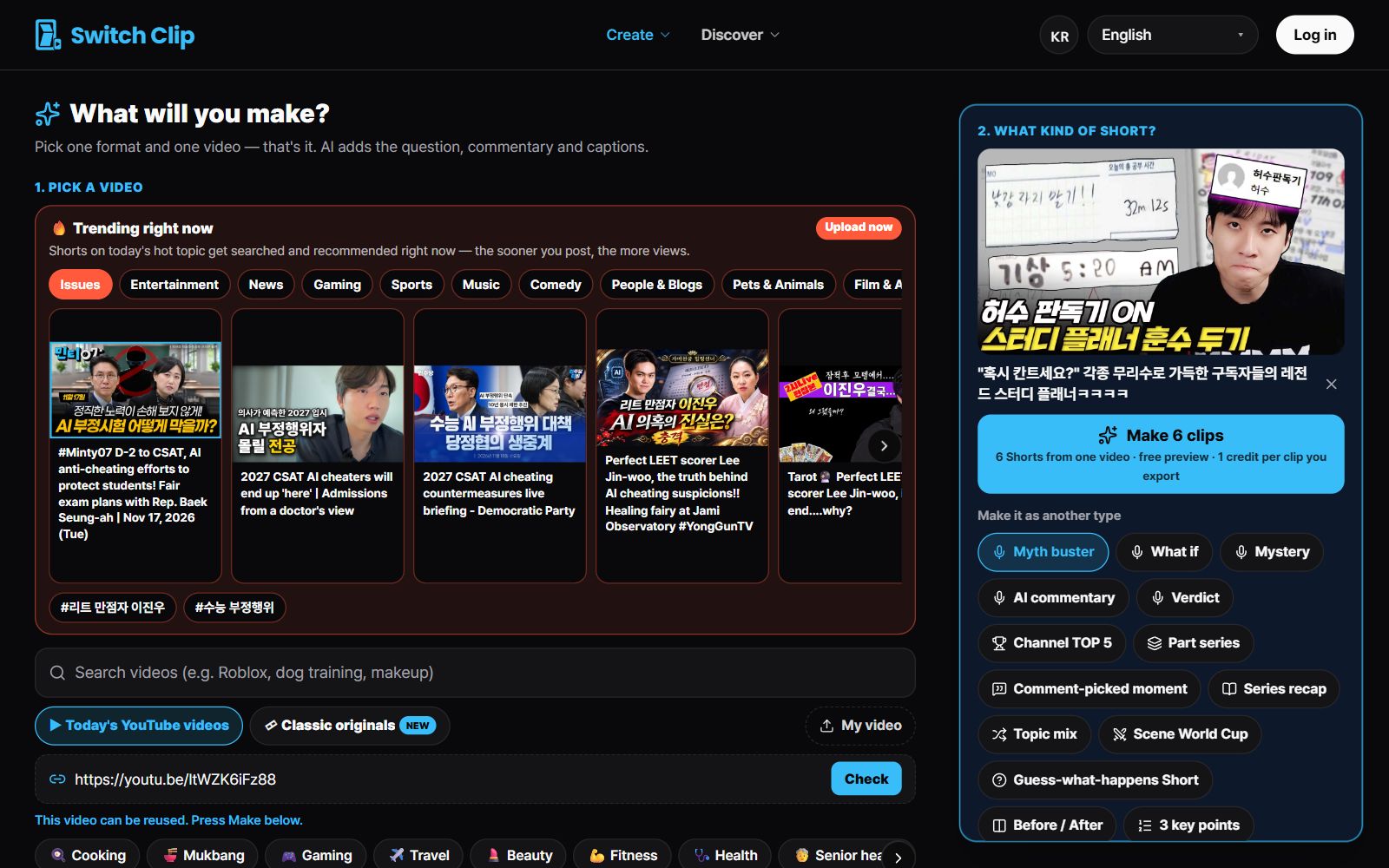
Pick a format
Choose one: narration, 3 key points, highlights, or compilation.
- 3
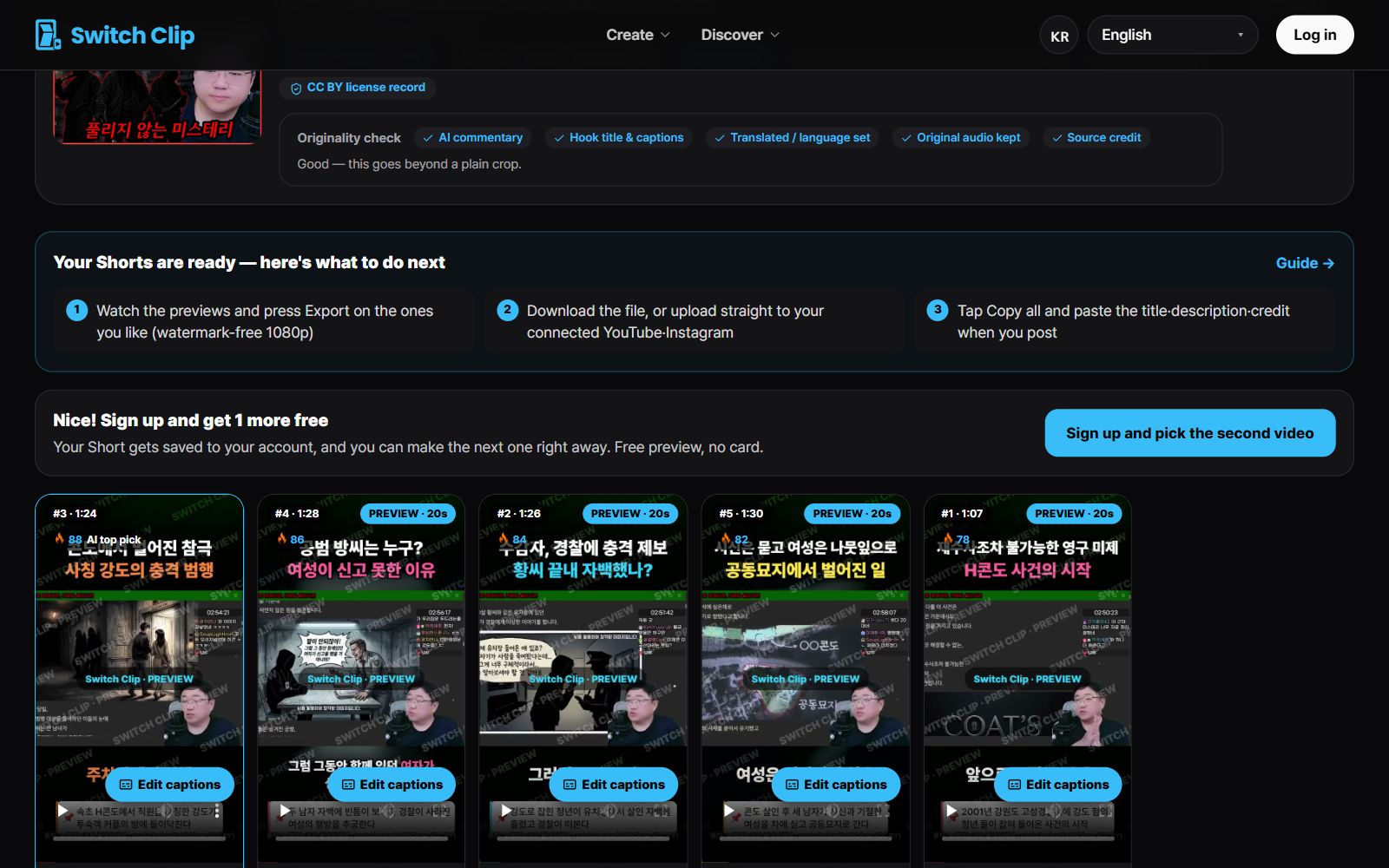
Preview
Check the Shorts for free.
- 4
Fix the captions
If any words are wrong, correct them before you export.
- 5
Save
Save as a file, or connect YouTube and post directly.
What's added to every Short automatically
- Auto captions
- A hook title on the opening frame
- AI narration
- Source credit for the original video
If you'd rather start with your own video
You can use your own video, too. Just upload the video file. The rest of the steps are the same.
Pick a video, get up to 6 Shorts
Switch Clip gathers videos you are allowed to reuse and public-domain classics. Pick one and you get Shorts with captions, a title, commentary and the credit line. Your first one is free, no sign-up.
Make a Short for freeFrequently asked questions
Can I try it without signing up?
Yes. Previews are free and your first export works without an account.
How is billing calculated?
By the number of Shorts you export. The details are on the pricing page.
Can I post the Shorts I make straight to YouTube?
Yes, once you connect YouTube you can post directly.