Blog · How-to
Make Shorts from Your Own Video File: How Uploading Works
A video doesn't have to be on YouTube to become Shorts. Upload a video file to Switch Clip and you get up to 6 vertical Shorts. Captions and a hook title are added automatically, too.
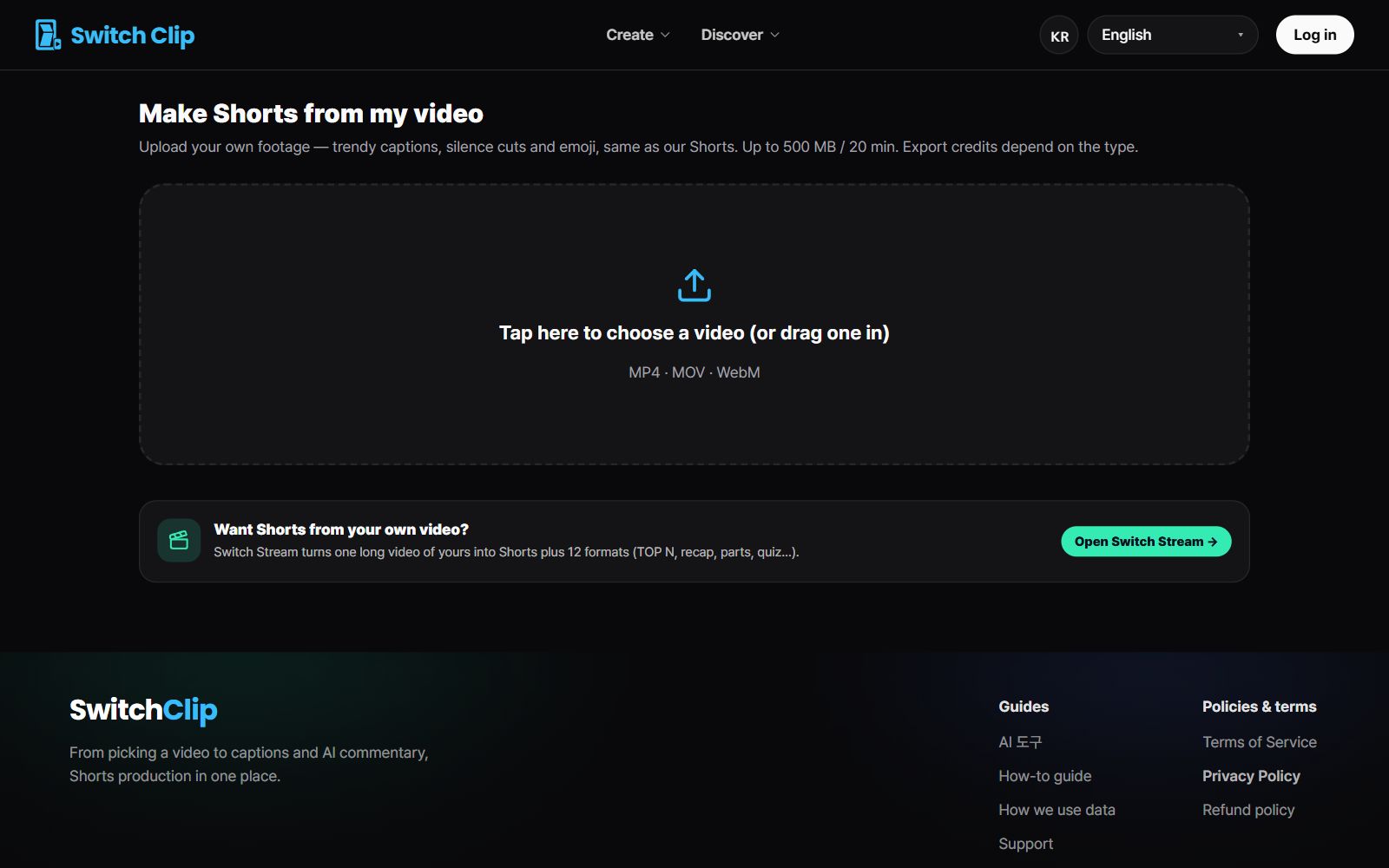
Making Shorts from a file
- 1
Upload the file
Select your video file on the upload screen.
- 2
Pick a format
Choose the format that suits the video.
- 3
Preview
Check the Shorts for free.
- 4
Fix captions and export
Check the captions, then save or post straight to YouTube.
What to check before uploading
- The speech was recorded clearly
- It's the highest-quality original file you have
- You shot the video yourself or have the right to use it
- If you used background music, its usage terms allow it
File or YouTube link: which do you use?
For your own footage, upload the video file, whether or not it's already on YouTube. A YouTube link works when the video is reuse-allowed (CC BY), and then you get the Shorts right away. Either way, the Shorts are made the same way.
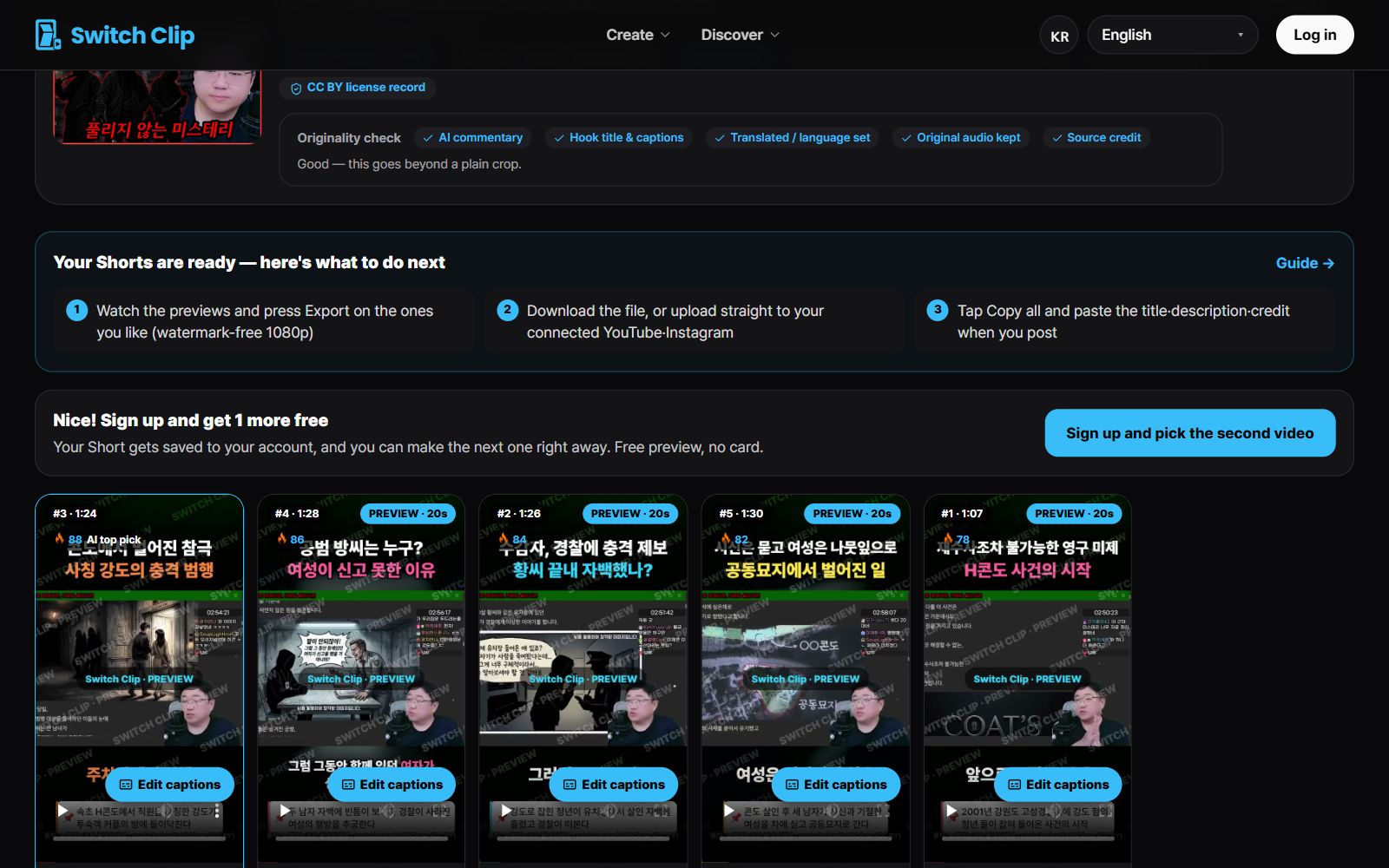
Pick a video, get up to 6 Shorts
Switch Clip gathers videos you are allowed to reuse and public-domain classics. Pick one and you get Shorts with captions, a title, commentary and the credit line. Your first one is free, no sign-up.
Upload a video fileFrequently asked questions
Do videos shot on a phone work?
Yes. Just upload the phone's video file as it is.
My file was shot in landscape. Does it become vertical?
Yes. Cropping in or fitting the full frame is decided automatically, and it comes out as vertical Shorts.
Do I have to pay as soon as I upload a file?
No. Previews are free, and billing is based on the number of Shorts you export.